The best microphone for voice recording depends on your room, budget and workflow. Choose a USB microphone for the simplest setup, or an XLR microphone plus an audio interface if you want room to upgrade later.
The first decision is the connection, because it sets your budget and which other gear you need. Room noise comes second, then specs, monitoring and software. Each section below helps you settle one of those choices before you buy.
USB or XLR: the first decision
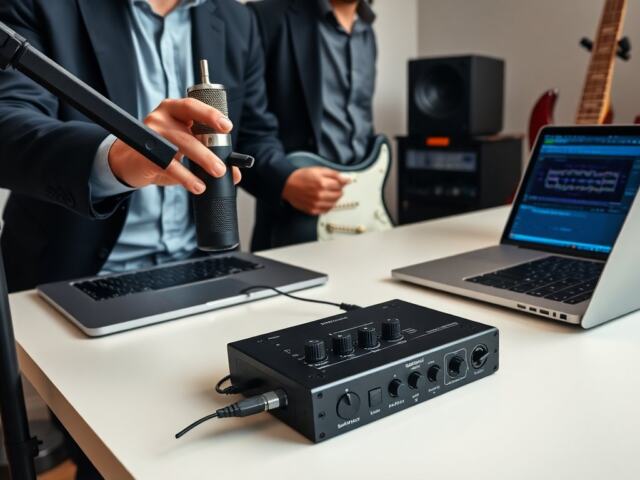
A USB microphone is an all-in-one unit with no separate interface needed, while an XLR microphone needs an external interface or mixer. According to Nearstream’s buying guide, a USB microphone contains the capsule and a built-in preamplifier, so it plugs straight into a computer. An XLR microphone first connects through a three-pin XLR cable to an audio interface or mixer, and that device connects to the computer over USB.
Hybrid microphones sit between the two. The same guide describes models that include both a USB port and an XLR output, so you can start on USB and move to an interface later without replacing the microphone. The Samson Q2u, reviewed by Podcastage, is an example of an XLR and USB microphone, though that reviewer notes it suffers from sibilance.
Which connection suits you
- Choose USB if you record alone and want to start today. There is no extra hardware to buy or configure, and the preamp and converter are already inside the microphone.
- Choose XLR if you plan to grow. Multiple guests, better preamps and a swappable microphone all depend on an interface or mixer. Our explainer on What Is An XLR Microphone? The Essential 2026 Guide To Pro Audio Connections – Voiceoriginals covers the connector and cabling in detail.
- Choose a hybrid if you are undecided. It costs a little more than a basic USB model but keeps both routes open.
If you are building a full show setup rather than choosing a single microphone, Best Podcast Equipment In 2026: Build A Pro Setup On Any Budget – Voiceoriginals puts the pieces together at several budget levels.
Dynamic or condenser for your room
Dynamic microphones suit untreated rooms, and condenser microphones reward quiet, treated ones. Nearstream says dynamic microphones reject room echo and computer or keyboard noise, and calls that a massive advantage for home-based creators. A bedroom, spare room or shared office is the typical case where that matters.
The difference shows in sensitivity. Samson’s spec explainer lists the dynamic Q9x at a relatively low −58 dBV/Pa, common to dynamic broadcast microphones, against −33 dBV/Pa for the C01 condenser. The condenser hears more of everything, including the fridge, the street and the reflections off bare walls. The trade-off is that a dynamic microphone needs more gain from whatever sits after it. Podcastage notes that the Shure SM7B requires a lot of gain, so the interface or preamp must supply enough. Our guide to What Is Microphone Gain? A Practical Guide To Setting It Right (2026) – Voiceoriginals explains how to set it.
When a condenser is worth it
Pick a condenser when the room is quiet and you want a detailed, open sound for narration, voice-over or singing. Sweetwater compared 50 large-diaphragm condenser microphones in its studio, which shows how crowded that category is and why listening comparisons matter more than spec sheets alone. For the full explanation of how they work and how to choose one, read Condenser Microphones Explained: How They Work, When To Use Them, And How To Choose One In 2026 – Voiceoriginals. If you are wondering how condensers get their power, Phantom Power Explained: How Microphones Get Silent Powering And Why 48V Matters In 2026 – Voiceoriginals covers it.
Polar pattern in a home room
Samson describes a cardioid microphone as more sensitive in one direction while rejecting sounds from other directions. For single-voice recording, that means pointing the front of the microphone at your mouth and the rejecting sides toward noise. Cardioid Polar Pattern: The Essential Guide To Directional Miking In 2026 – Voiceoriginals goes deeper on placement.
Specs worth reading before you buy
Five specs decide whether a microphone suits spoken voice: sample rate and bit depth, self-noise, maximum sound pressure level, sensitivity and polar pattern. Treat the figures below as reference points for reading a spec sheet, not as a ranking of products.
| Spec | Reference value | Planning use |
|---|---|---|
| Sample rate and bit depth (USB mics) | At least 48 kHz / 24-bit | Treat this as the baseline for USB models; paying extra for higher rates buys little for voice. |
| Self-noise | ENL of 18 dBA or lower rated excellent for streaming and podcasting; Samson lists 17 dB for its CL8a condenser | Lower is better for quiet speech and heavy processing; compare like with like, since manufacturers state it differently. |
| Maximum SPL | 110–120 dB for most vocals; 130 dB or more for loud sources; G-Track Pro USB mic 120 dB; C02 134 dB | Speech sits comfortably in the 110–120 dB class. Look higher only for shouting or instruments. |
| Sensitivity | Dynamic Q9x −58 dBV/Pa; condenser C01 −33 dBV/Pa; USB G-Track Pro +6 dBFS/Pa | Low-sensitivity dynamics need a gain-rich interface; USB mics apply gain internally. |
| Polar pattern | Cardioid: more sensitive in one direction, rejects sound from others | The default for single-voice work in an imperfect room. |
The sample-rate and self-noise targets come from Boya’s USB microphone guide, and the sensitivity, SPL and cardioid details from Samson’s home-recording spec explainer.
How to read the numbers
- Sample rate: Boya calls 48 kHz / 24-bit the professional standard and says there is no need to overpay for higher rates. The explainer What Is Sample Rate? A Clear Guide To Sampling Audio, Video, And Signals (2026) – Voiceoriginals shows why more is not automatically better.
- Self-noise: Boya treats an ENL of 18 dBA or lower as excellent for all streaming and podcasting needs. Podcastage flags the Audio-Technica AT875R for high self-noise, a reminder that a microphone with a useful pickup pattern can still hiss.
- Max SPL: A ceiling is not a target. Samson’s C02 example lists 134 dB max SPL with 22 dB EIN, so a high ceiling and a quiet floor do not always come together.
Audio interface: when you need one
You need an audio interface if you use an XLR microphone, and you can skip one if you use a USB microphone. Nearstream states that an XLR microphone must first connect via a three-pin XLR cable to an external device such as an audio interface, which then connects to the computer. A USB microphone already has the preamp and converter built in.
An interface also lifts the quality of cheaper microphones. Podcastage says budget microphones can sound pretty good when connected to an audio interface, and warns that plugging an entry-level microphone into a computer’s motherboard input means running it through a weaker motherboard preamp and converter. If you already own a microphone with an XLR output, an interface is the better upgrade than another microphone.
Choosing the interface
- Check gain first. A demanding dynamic microphone such as the SM7B needs an interface or preamp with enough gain, per Podcastage.
- Check your computer ports. USB-C Audio Interfaces: The Practical Buyer’s Guide To Pro Sound In 2026 – Voiceoriginals is the next stop if your machine has modern ports.
- Know what it does. What An Audio Interface Actually Does: How It Powers Better Home Recording In 2026 – Voiceoriginals explains the role in plain terms.
- Weigh a mixer. If you record several voices at once, compare audio mixer vs audio interface before choosing.
Pop filters, shock mounts and mic distance
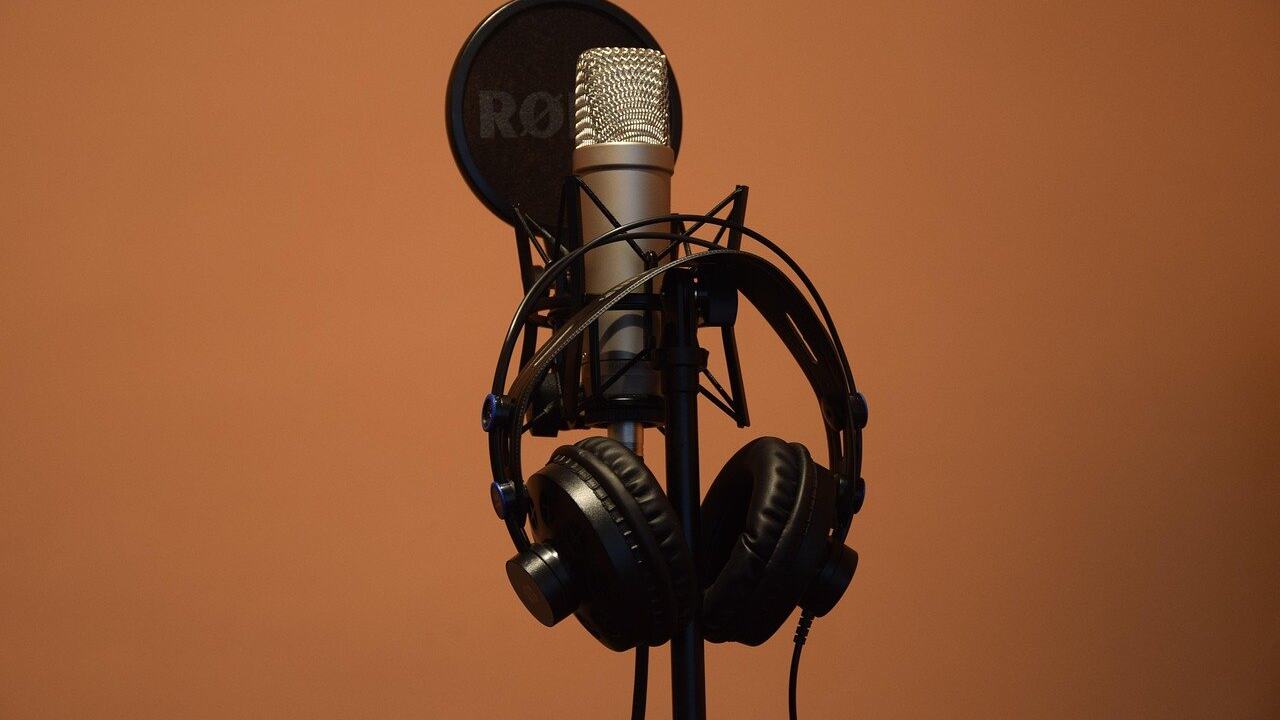
A pop filter reduces plosives, and a shock mount isolates the microphone from desk vibration. Boya advises budgeting for both when buying a desktop USB microphone. Add them early, because plosives from close speaking are one of the most common problems in spoken recordings, and they are easier to prevent than to repair.
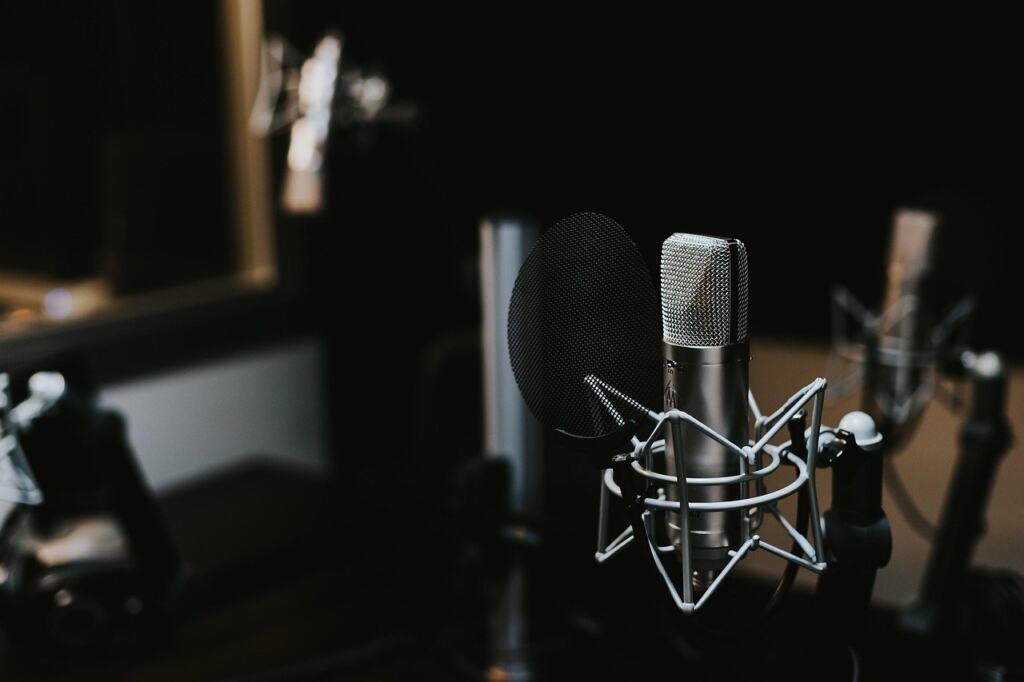
Distance matters as much as the accessory. Podcastage describes using the AT875R between 3 and 6 inches from your mouth with a pop filter. Treat that as a starting range for that particular microphone, and adjust to the pickup pattern of the model you own. Moving closer raises your voice relative to the room, which is why close placement helps in untreated spaces.
Headphones and zero-latency monitoring
Closed-back headphones that you can plug into the microphone or interface let you hear what you record, and the monitoring path should have no delay. Boya advises ensuring a USB microphone supports hardware direct monitoring (zero-latency monitoring) through a headphone jack, because without it you will hear a delayed version of your voice. Hearing yourself late makes speaking awkward, so check this feature before buying a USB model.
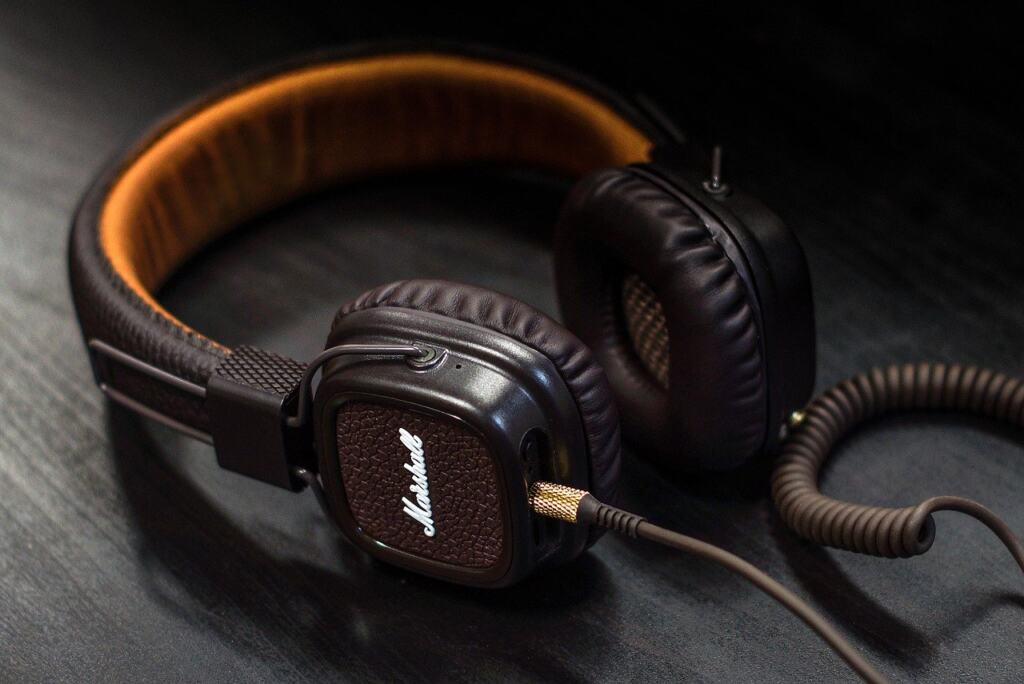
Headphones for recording serve a different job from headphones for mixing, though one pair can sometimes cover both. For accuracy and comfort across budgets, see Best Music Production Headphones In 2026: Accurate, Comfortable Picks For Every Budget – Voiceoriginals. Pair them with a microphone or interface whose headphone output you can control directly.
Starter setups and price ranges
A USB starter setup typically costs $50 to $150, a hybrid $70 to $200, and an XLR setup $200 or more once the interface is included. Those figures come from the entry-cost row of Nearstream’s comparison and describe typical entry points, not fixed prices.
- Simplest start (USB, $50–$150): plug in, set levels, record. Add the pop filter and shock mount Boya recommends, and confirm that headphone monitoring is zero-latency.
- Flexible start (hybrid, $70–$200): begin on USB and keep the XLR output for a future interface. Suits creators who are unsure whether they will add guests or better preamps.
- Upgrade-ready start (XLR, $200+): the microphone and interface are bought together. This suits you if you already know you want a microphone you can keep for years.
Real listed prices
In a Sweetwater snapshot from 2026-10-24, a medium-diaphragm Behringer C-1 was listed at $53.90. A Rode NT1 kit with the SM6 shockmount and pop filter was listed at $269.00. Both sit in Sweetwater’s vocal microphone shootout. The first shows how low a microphone alone can start; the second shows that a kit with the accessories included can land in the same region as an XLR microphone plus interface. Retail prices move, so check connection type, bundled accessories and whether you will still need an interface before comparing totals.
Recording software and publishing workflow
Any of these microphones feeds into software, and the free options are good enough to start. If you only need to capture voice and export a file, begin with free voice recording software on Windows or Mac. When you want multitrack editing, a DAW becomes useful. What Is a DAW? The Complete Beginner’s Guide to Digital Audio Workstations (2026) – Voiceoriginals explains what the category does.
Choosing a DAW
- Free first: Best Free DAW Software In 2026: Choose The Right One For Your Music – Voiceoriginals compares no-cost options.
- Beginner-friendly: Best Music Production Software For Beginners In 2026: 4 Easy DAWs To Start Making Tracks Today – Voiceoriginals narrows the field for first-time users.
- Computer and desk: a recording laptop or desktop should be chosen with the DAW in mind, as discussed in Best Computer For Music Production In 2026: Build Or Buy The Right Rig For Recording, Mixing, And Beatmaking – Voiceoriginals, and a stable desk helps, see Build The Perfect Music Production Desk: Smart, Ergonomic Studio Setup Guide (2026) – Voiceoriginals.
For creators moving from spoken word to music or sound design, the later steps include finishing and loudness, covered in How to Make Your Beats Louder: 7 Practical Mixing & Mastering Steps For 2026 – Voiceoriginals, and tools that assist with workflows, covered in Best AI For Music Production In 2026: Top Tools, How To Choose, And Workflow Tips – Voiceoriginals. A MIDI controller enters the picture once you start composing; What Is a MIDI Keyboard? The Beginner’s Guide to Making Music With MIDI (2026) – Voiceoriginals explains the basics.
Matching the microphone to the project
The right microphone changes with the kind of voice work you do, so choose by project before you choose by brand. Podcastage’s review makes the underlying point: there is no such thing as the best microphone, because many factors have to be accounted for. Use that as the rule, then match your project below.
- Podcasts with a camera: add lighting and camera choices to the audio kit. Video Podcast Equipment: The 2026 Starter Kit And Pro Upgrades To Sound And Look Great – Voiceoriginals lays out the combined setup.
- Streaming: a clear voice, low noise and easy setup matter most, and Best Microphones For Streaming In 2026: Clear Voice, Low Noise, Easy Setup – Voiceoriginals is built around that brief.
- Voice acting: a character-rich performance puts more weight on microphone tone, so read Best Microphone For Voice Acting In 2026: Pro Picks For Clear, Characterful Performances – Voiceoriginals.
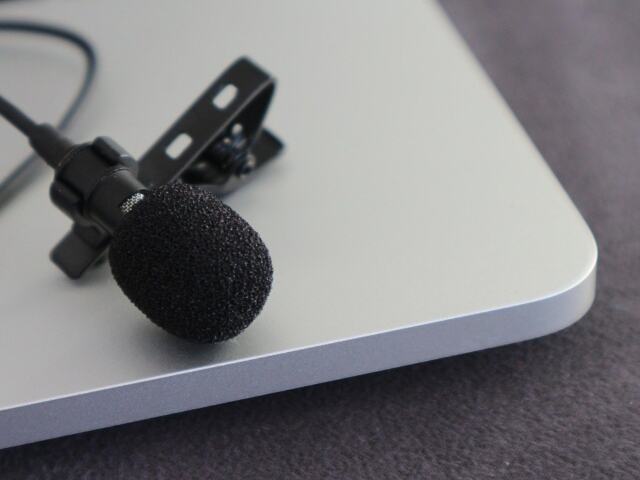
- Moving or on-location: a clip-on microphone or wireless set can beat a desk microphone. See What Is A Lavalier? The Small Mic That Boosts Your Audio In 2026 – Voiceoriginals, and compare options in best wireless microphone for content creators.
- Synthetic voice: if you plan to produce narration without recording yourself, see AI-Generated Voiceover: How To Create Natural, Legal, And Cost-Effective Audio In 2026 – Voiceoriginals.
Pre-purchase checklist
Run through these steps in order before you pay for any microphone.
- Decide the connection. USB for the quickest start, XLR if you will add an interface, hybrid if undecided.
- Judge your room. If it is untreated and noisy, lean dynamic, since dynamic microphones reject room echo and computer or keyboard noise. Lean condenser only where the room is quiet.
- Read the spec sheet. Look for at least 48 kHz / 24-bit on USB models, self-noise at or below 18 dBA ENL, and a maximum SPL of 110–120 dB for ordinary speech.
- Confirm gain. If the microphone is demanding, confirm the interface supplies enough.
- Check monitoring. Look for a headphone jack with zero-latency monitoring.
- Budget for accessories. Include a pop filter and shock mount in your total.
- Pick software. Start with free tools and upgrade once you outgrow them.
Frequently asked questions
What microphone is best for voice recording?
No single microphone is best for everyone. A dynamic microphone is the safer pick for untreated home rooms, a condenser suits quiet rooms, and USB or XLR connection depends on whether you want a one-piece setup or room to expand.
Do I need an audio interface?
Only if the microphone uses an XLR connection. USB microphones have a built-in preamp and converter. Even with a budget XLR microphone, an interface improves results over the computer’s motherboard input.
Is a hybrid USB and XLR microphone worth it?
It suits anyone who wants to start on USB and keep the option of an interface later. Typical entry cost is $70 to $200, a little above a basic USB model.
Do I need a pop filter and shock mount?
For a desktop USB microphone, Boya recommends budgeting for both. The pop filter reduces plosives and the shock mount isolates vibration.
Why does my voice sound delayed in my headphones?
Without hardware direct monitoring, you hear a delayed version of your voice. Look for a microphone or interface with a headphone jack that offers zero-latency monitoring.