Streamers need a clear voice and low background noise. The best microphone for streaming can raise audio quality quickly and change how viewers perceive a channel, improving clarity, professionalism, and audience engagement. This guide lists key features to check, affordable and pro options, and simple setup tips. It helps readers pick a mic that fits their budget, room, and content type (solo commentary, co-streams, music, or podcasts). The advice stays practical and direct so readers can buy, set up, and sound better fast, with actionable checks and common-sense trade-offs explained.
Key Takeaways
- The best microphone for streaming focuses on clear voice capture and background noise rejection, with a cardioid polar pattern being ideal for most single-person setups.
- Choosing between USB and XLR microphones depends on budget and future upgrade plans; USB offers plug-and-play convenience while XLR delivers more control, lower latency, and upgrade paths via interfaces and preamps.
- Consider microphone sensitivity, frequency response, and usable gain range to ensure natural sound and avoid digital clipping during streams; check if the mic has a built-in pad or gain control for loud sources.
- Budget, midrange, and pro microphone options cater to different needs; beginners should prioritize clarity, low self-noise, and ease of setup, while professionals benefit from high-fidelity equipment and proper room treatment.
- Proper microphone placement—roughly 6 to 12 inches from the mouth and slightly off-axis—along with correct gain staging and modest processing (HPF, mild EQ, light compression) greatly enhances stream sound quality.
- Accessories like boom arms, pop filters, shock mounts, and a dedicated audio interface or mixer (for XLR) improve audio results more effectively than minor mic upgrades, making them essential for streamers who want consistently strong audio.
What To Look For When Choosing A Streaming Microphone
They should pick a microphone that captures voice clearly and rejects background sound. The best microphone for streaming focuses on those priorities rather than marketing claims about “studio” sound. When comparing models, evaluate three technical points and several practical features: polar pattern, connectivity, and headroom/gain performance. A cardioid polar pattern records primarily from the front and reduces room noise and keyboard clicks; supercardioid or hypercardioid offer tighter off-axis rejection but require more precise placement. Dynamic microphones generally have lower sensitivity and are forgiving in noisy rooms, while condenser microphones capture more detail and can sound more articulate in treated environments.
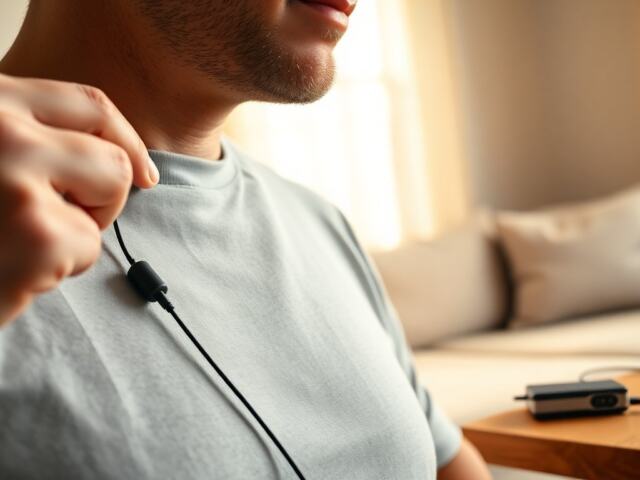
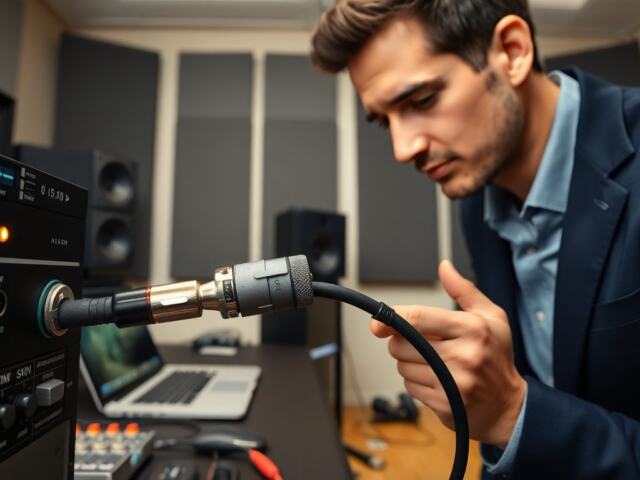
They should choose USB or XLR based on skill and budget. A USB mic plugs directly into a computer and works without an audio interface, making it ideal for beginners and mobile streamers. An XLR mic requires an interface or mixer and gives more control over preamps, gain staging, and long-term upgrades such as better preamps or external processing. If the streamer plans to add multiple mics, instruments, or a hardware mixer, XLR is the more flexible choice. If simplicity and rapid setup matter, a well-reviewed USB mic will get you a great result quickly.
They should confirm the mic’s frequency response and sensitivity. Look for a frequency range that captures the voice’s natural timbre—energy in the 100 Hz–5 kHz region is most important—while avoiding excessive low-end rumble or harsh presence peaks. A flatter response often sounds more natural, but some mics intentionally boost presence for intelligibility. Higher sensitivity can pick up distant sounds and room reflections; in untreated spaces a less sensitive or dynamic mic can reduce ambient pickup. Test the mic’s usable gain before it introduces noise; some microphones and interfaces provide a built-in pad to handle loud sources without distortion.
They should consider extra features that affect usability. A built-in headphone jack helps with zero-latency monitoring and checking levels on the fly. A physical mute button or LED status light is invaluable during live streams to prevent accidental broadcasts. Mounting options (thread sizes, shock-mount compatibility), included stands, and cable quality all affect day‑to‑day reliability. The best microphone for streaming often includes at least one of these features, but inexpensive accessories can add missing functionality without replacing the mic.
They should weigh price against use and long-term plans. A beginner can start with a budget USB mic and still sound much better than a laptop mic; the immediate gains come from proximity and better capsule design. A serious creator may move to an XLR condenser or a broadcast-style dynamic mic to access higher-quality preamps and more precise tonal control. Prioritize signal chain cleanliness (proper gain staging, low-noise preamps) and consistent placement over buying the most expensive model—maintenance, room treatment, and monitoring habits matter as much as the capsule itself.
Top Picks By Budget And Setup (Budget, Midrange, Pro/Studio)
Budget options give good voice clarity with minimal setup and are ideal for new streamers who need a fast win. In this tier, look for USB condensers or broadcast-style dynamics that emphasize clear midrange and low self-noise. Prioritize models with on-mic gain control, a headphone output for monitoring, and a sturdy mount or included stand. These microphones typically improve intelligibility and reduce room noise compared to built-in laptop mics and work well for solo commentary, casual co-streaming, and entry-level podcasting.
Midrange mics raise voice quality and add polish suitable for creators who stream regularly and publish highlights. A midrange USB condenser or an XLR small- or large-diaphragm condenser paired with an entry audio interface will provide more headroom, lower noise, and better transient response. In this bracket, the best microphone for streaming offers improved tone control, cleaner preamps, and often switchable polar patterns or a pad to handle louder content. Midrange gear is a strong choice for streamers who also record interviews, voice-over clips, or occasional music performances.
Pro and studio mics give the highest fidelity and professional character for creators focused on brand-quality audio. Broadcast dynamic mics and high-end large-diaphragm condensers require an interface, a quality preamp, and often some room treatment to truly shine. The best microphone for streaming at this level captures nuance and presence that listeners notice, with lower noise floors and more natural transients. Professionals choose these mics when consistent tonal quality and the ability to shape sound via high-quality outboard gear or software processing is required, such as full-length podcasts, music streams, or multi-host productions.
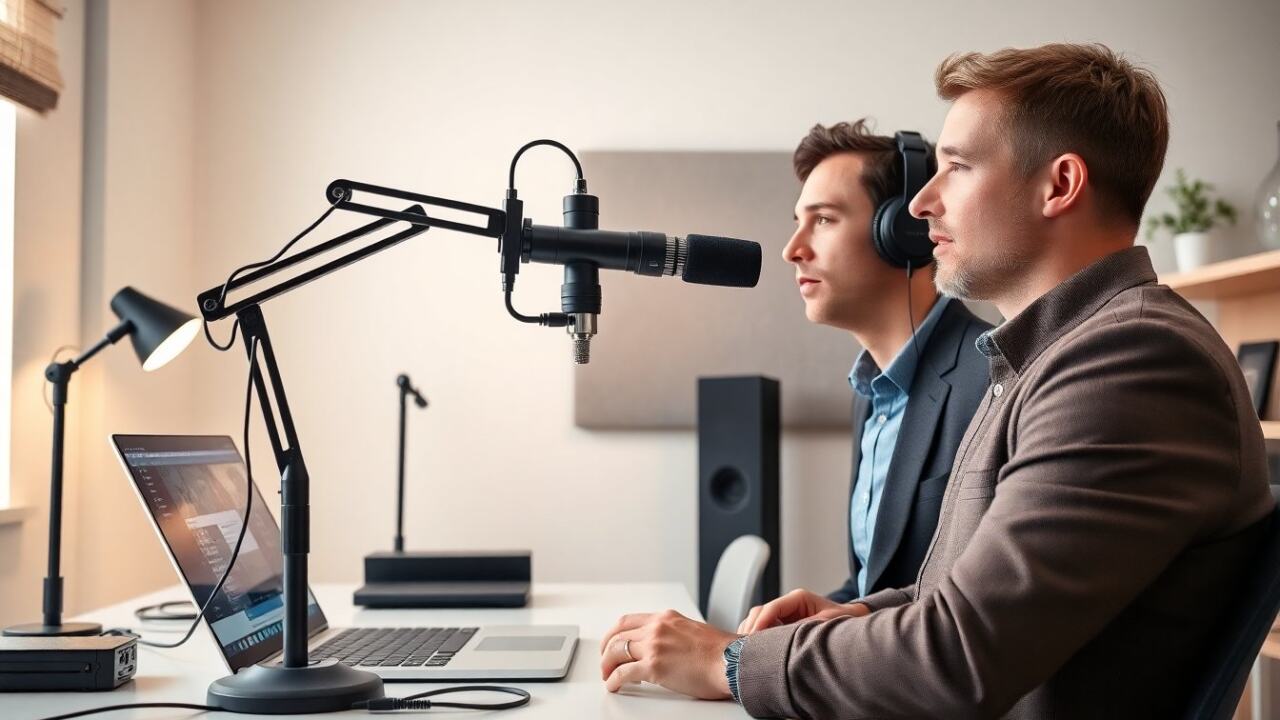
They should match mic choice to room and content. In a noisy bedroom or common area, a dynamic microphone or a tight-pattern mic reduces unwanted ambient sounds. In an acoustically treated room, a condenser microphone can capture more detail and warmth. For multi-person shows, use multiple cardioid mics and separate channels on a mixer or interface to control levels independently and reduce bleed. The best microphone for streaming is the one that fits the streamer’s environment, workflow, and content needs—not necessarily the most expensive option.
They should also plan for accessories, which often yield more audible improvement than swapping to a slightly higher-tier mic. A boom arm places the mic near the mouth and keeps the desk clear; a good shock mount isolates handling noise; a pop filter or foam windshield prevents plosives; and a simple acoustic panel or reflection filter behind the mic reduces early reflections. Budget for quality cabling and, for XLR setups, a reliable audio interface with clean preamps. These items make the microphone perform closer to its potential in practical streaming situations.
Mic Setup, Placement, And Simple Audio Tweaks For Better Stream Sound
They should place the mic six to twelve inches from the mouth and slightly off-axis to reduce plosives while maintaining presence. Closer placement increases proximity effect (bass boost) and intimacy, which can be useful for commanding vocal presence; further distance reduces closeness but increases room pickup. Aim the capsule toward the mouth and position the rear toward typical sources of room noise (windows, computer fans). The best microphone for streaming often performs best with consistent placement that the streamer can reproduce every session.
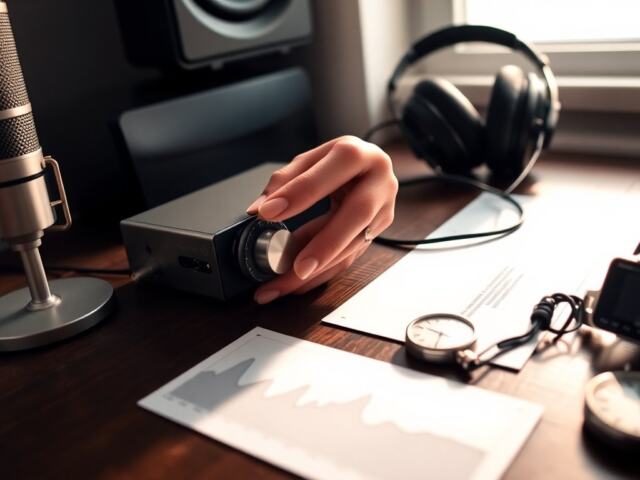
They should set input gain so the signal peaks well below clipping on the input meter—leave headroom for pronunciation spikes and excited moments. Watch levels while speaking strongly and during typical stream interactions (laughing, shouting, singing). If peaks hit digital clipping, lower gain, engage a pad if available, or move the mic slightly away. Use low-latency monitoring to hear the processed signal and catch issues like latency-induced echo or unwanted compression artifacts.
They should apply a modest high-pass filter to reduce low rumble from HVAC, footsteps, and computer vibration; cut below the voice range where appropriate (commonly 60–120 Hz). Use a gentle presence boost around 3–5 kHz to increase intelligibility, and address resonant peaks with narrow cuts rather than broad boosts. Avoid heavy-handed EQ: subtle changes often produce the most natural results. The best microphone for streaming pairs with conservative tonal adjustments to enhance clarity without introducing harshness.
They should gate and denoise judiciously. A noise gate can cut background hiss between phrases but can also make speech sound choppy if set too aggressively—set attack and release to suit natural breathing and phrase lengths. Spectral noise reduction tools help with steady background sounds like A/C hum or computer fan noise; apply them sparingly to avoid digital artifacts. Test each change with recorded samples to ensure processing improves overall intelligibility without obvious artifacts.
They should compress lightly to control dynamics and keep voice presence steady for listeners. A ratio around 2:1 to 4:1 with a medium attack and release is a common starting point; faster attack times tame peaks but can dull consonant attacks, while too-slow settings can allow uneven level jumps. Use make-up gain to restore perceived loudness and aim for a small amount of gain reduction on average rather than heavy limiting. Set the final output to avoid clipping the streaming encoder and confirm levels in the streaming software’s meters.
They should test on the actual streaming platform and on headphones, and record short test clips to compare differences before going live. Ask a friend or community moderator to listen in low-latency monitoring and give feedback on clarity, background noise, and perceived volume. Small changes in position, EQ, and gain typically yield the largest improvements. Ultimately, the best microphone for streaming becomes obvious when the voice is consistently clear, relaxed, and easy to understand for viewers across devices and connection qualities.