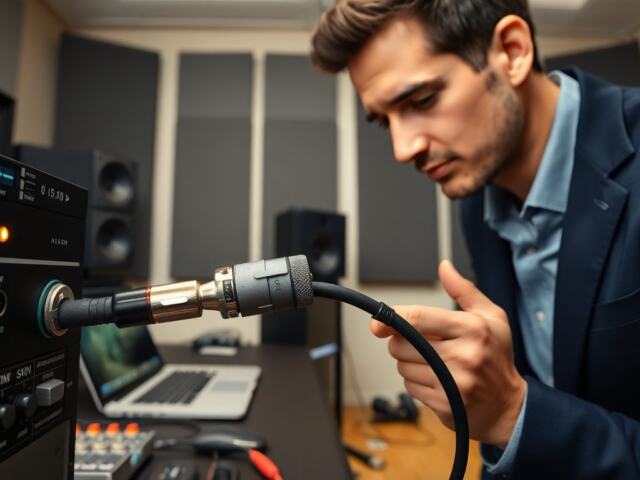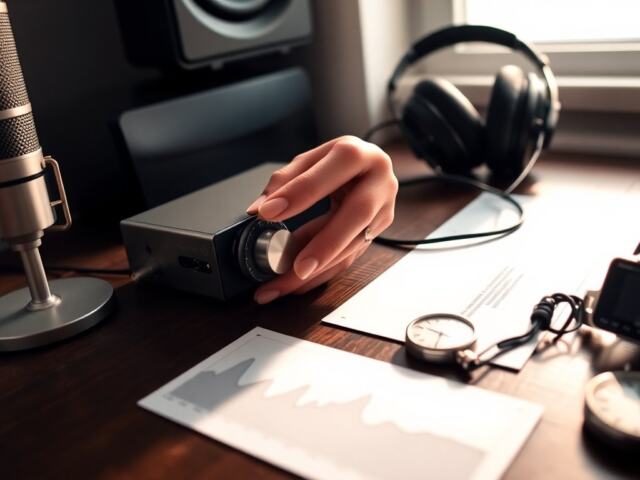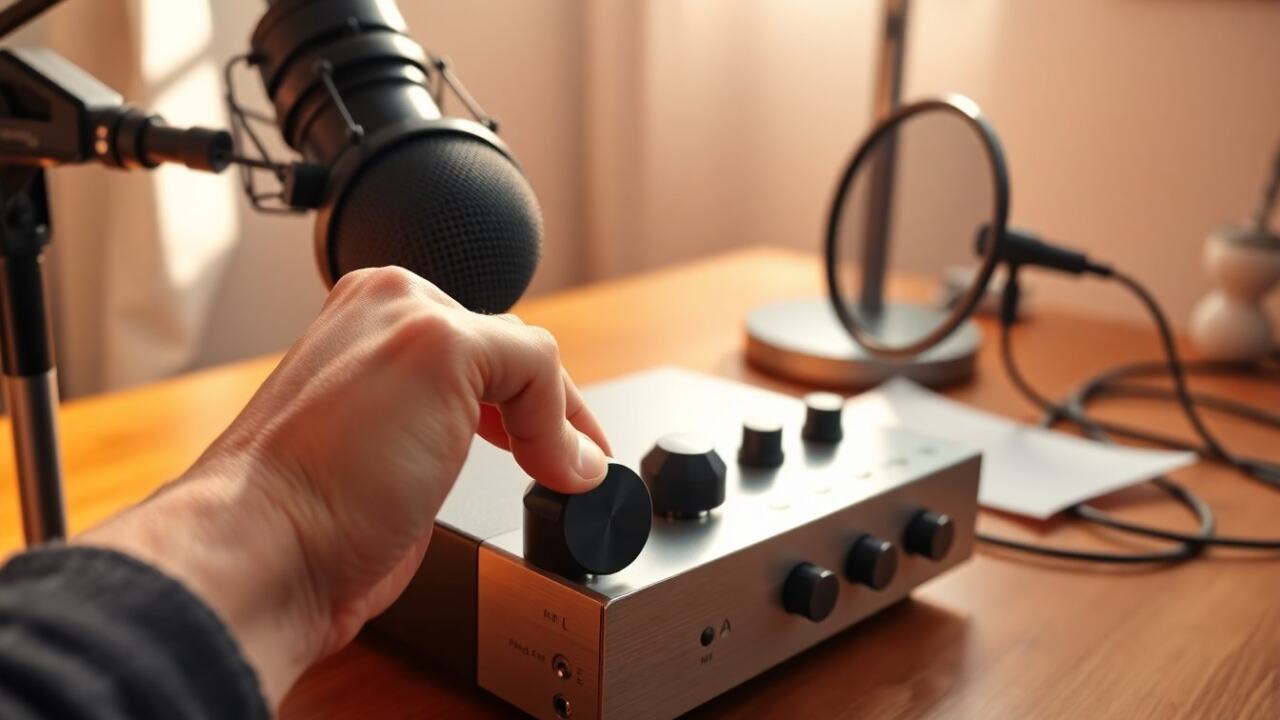
When someone asks what is gain on a microphone, they mean the control that adjusts the input level the microphone sends into a recorder, interface, or mixer before further amplification. Gain sets how strong the raw signal is, not the final loudness the listener hears, and getting it right prevents noise, distortion, and unpredictable dynamics. This short guide explains what gain does and how to set it for common situations.
Key Takeaways
- Gain on a microphone controls the input level of the mic signal before further amplification, shaping the initial strength of the audio.
- Properly setting microphone gain avoids noise, distortion, and clipping by maintaining a balanced signal-to-noise ratio.
- Use peak metering and the one-third rule—aiming for peaks between -12 dBFS and -6 dBFS—to set optimal gain levels during recording.
- Different audio sources need tailored gain settings: vocals, instruments, podcasts, and loud sources each require specific peak and average level targets.
- If recordings sound noisy, try increasing gain cautiously and using better mic preamps; reduce gain or use pads to fix distortion from clipping.
- Phantom power must be enabled for condenser microphones to function properly, impacting gain adjustments and mic signal strength.
What Microphone Gain Actually Means
Quick Facts
- Gain controls the mic’s input level before other processing.
- Proper gain keeps signal-to-noise ratio high and avoids clipping.
- Mic preamps, mixers, and audio interfaces provide the gain stage.
Microphone gain is the amount of amplification applied at the input stage so the mic’s tiny voltage becomes a usable line-level signal. It’s measured in decibels (dB) and sits between the capsule and the rest of the audio chain. If the gain is too low the recording will be noisy and weak: too high and the signal clips, causing harsh distortion. Many modern devices label this control as “gain,” “trim,” or “input.”
How Gain Differs From Volume, Sensitivity, And Preamp Gain
People often confuse several terms. Volume (or fader) changes the level after the signal is already at line level and affects what the listener hears. Sensitivity is a mic’s physical tendency to convert sound into electrical energy (a characteristic of the capsule), not a user-adjustable control. Preamp gain is the specific gain stage provided by the preamplifier: it’s the practical control most users touch. In short: sensitivity is a mic spec, gain is a control on gear, and volume is a downstream level for playback or monitoring.
How To Set Microphone Gain: Step-By-Step
Using the One-Third Rule And Peak Metering
- Start with the preamp or interface gain set low.
- Have the person speak or play at performance level while watching meters.
- Raise gain until peaks hit about -12 dBFS to -6 dBFS on peak meters (one-third rule: leave headroom).
- If the meter has RMS or LUFS readouts, aim for healthy average levels, roughly -18 dBFS RMS for many record situations.
- Do a quick test recording and listen for distortion: back off gain if any harsh clipping appears.
Setting Gain For Different Scenarios (Vocals, Instruments, Podcasts)
- Vocals: Singers vary: set gain so loud passages stay below -6 dBFS while quieter parts sit around -18 to -12 dBFS. Use a pop shield and consistent mic technique.
- Acoustic instruments: Place mic for a balanced tone, then set gain to avoid transient clipping (peaks under -6 dBFS).
- Podcasts and spoken word: Because dynamics are narrower, aim for peaks near -10 to -8 dBFS and average levels around -18 dBFS to keep clarity without overcompressing.
- Loud sources (drums, brass): Use low gain and possibly padding switches (-10 to -20 dB) if available to prevent preamp overload.
Common Problems And How To Fix Them
Dealing With Noise, Distortion, And Low Signal
Noise: If recordings sound hissy, first increase gain carefully to improve signal-to-noise ratio, but prefer a better preamp or a mic with higher sensitivity if noise persists. Use dynamic mics for noisy environments and keep cable runs short.
Distortion: Harsh digital clipping or analog breakup means the gain is too high. Reduce the input gain, engage a pad on the microphone or preamp, or reposition away from loud sources. Distortion after analog gear often can’t be removed, so prevention matters.
Low signal: Confirm the mic type (dynamic vs. condenser), condensers need phantom power (+48V). Check cable and input selection (mic vs. line) and ensure the preamp is active. If the source is inherently quiet, use a clean low-noise preamp rather than cranking a poor one.
FAQ
Q: Will setting gain higher always make recordings louder?
A: No, higher gain raises the input but also increases noise and the risk of clipping: proper adjustments and headroom are required.
Q: Is the gain knob the same as a boost or pad?
A: Not exactly, a pad reduces level before the preamp, while gain increases it: a boost is usually post-preamp or in software.
Q: How does phantom power affect gain?
A: Phantom power enables condenser mics to operate: without it the mic may be silent or very weak, so gain adjustments won’t help until phantom power is supplied.
Frequently Asked Questions About Microphone Gain
What is gain on a microphone and why is it important?
Gain on a microphone controls the input level that the mic sends into a recorder or mixer before further amplification. Proper gain prevents noise, distortion, and clipping, ensuring a clean, usable signal for recording or live sound.
How does microphone gain differ from volume and sensitivity?
Microphone gain adjusts the signal level at the input stage before processing. Volume controls output loudness after processing, while sensitivity is a mic’s physical ability to convert sound into electrical signals and cannot be adjusted by the user.
What is the best way to set microphone gain for vocals and instruments?
Start with low gain, have the performer produce typical volume levels, then raise gain so peaks reach about -12 to -6 dBFS on meters, leaving headroom to avoid clipping. Adjust further by listening for distortion and maintaining clear dynamics.
Why does increasing gain sometimes cause more noise in recordings?
Higher gain amplifies both the signal and background noise. If the gain is set too high, noise becomes noticeable. Using a better preamp, a mic with higher sensitivity, or dynamic microphones in noisy environments can help reduce unwanted noise.
Can I use phantom power to improve microphone gain?
Phantom power is required for condenser microphones to operate correctly. Without it, the mic may be silent or produce a very weak signal, making gain adjustments ineffective until phantom power is supplied.
What does it mean when my microphone signal distorts at high gain settings?
Distortion at high gain levels means the input signal is clipping or overloading the preamp. To fix this, reduce gain, use a pad if available, reposition the mic further from loud sources, and avoid pushing the preamp beyond its limits.