An AI generated voice over turns a written script into spoken audio with text-to-speech software. It sounds natural only if you shape pacing, pauses and pronunciation, and it is only safe to publish if the licence and disclosure terms fit your use.
If your project needs a real voice as well, start with our hub on the best microphone for voice recording, then come back here to decide when a synthetic voice is the better fit.
How AI voiceover works
An AI voice over generator is a tool that converts written text into spoken audio using artificial intelligence, as PlayPlay describes its generator. The vendor adds that you need no recording equipment or voice talent. In practice, you work on a script and a settings panel, not in a booth.
The process is similar across tools, though the order of the steps varies slightly.
- Prepare the script. Type or paste the text into the tool. PlayPlay’s workflow begins exactly this way.
- Pick a voice and language. Choose the voice and language that suit the audience. PlayPlay’s free voices include male and female options with multiple accents.
- Preview and adjust. Listen to a short clip and change delivery settings before you render the whole script.
- Apply or export. PlayPlay lets you apply the generated voice directly to a video timeline. VoiceOverMaker saves speech to MP3, WAV or MP4 video.
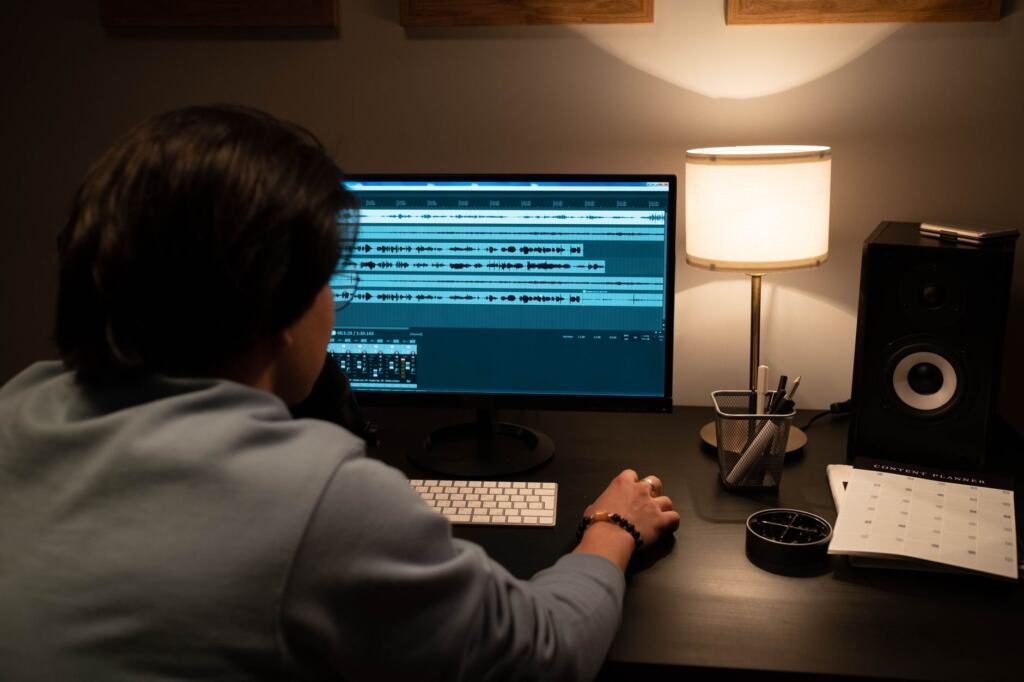
- Finish in an editor. Place the narration on a track, trim gaps, and balance it against music or other audio.
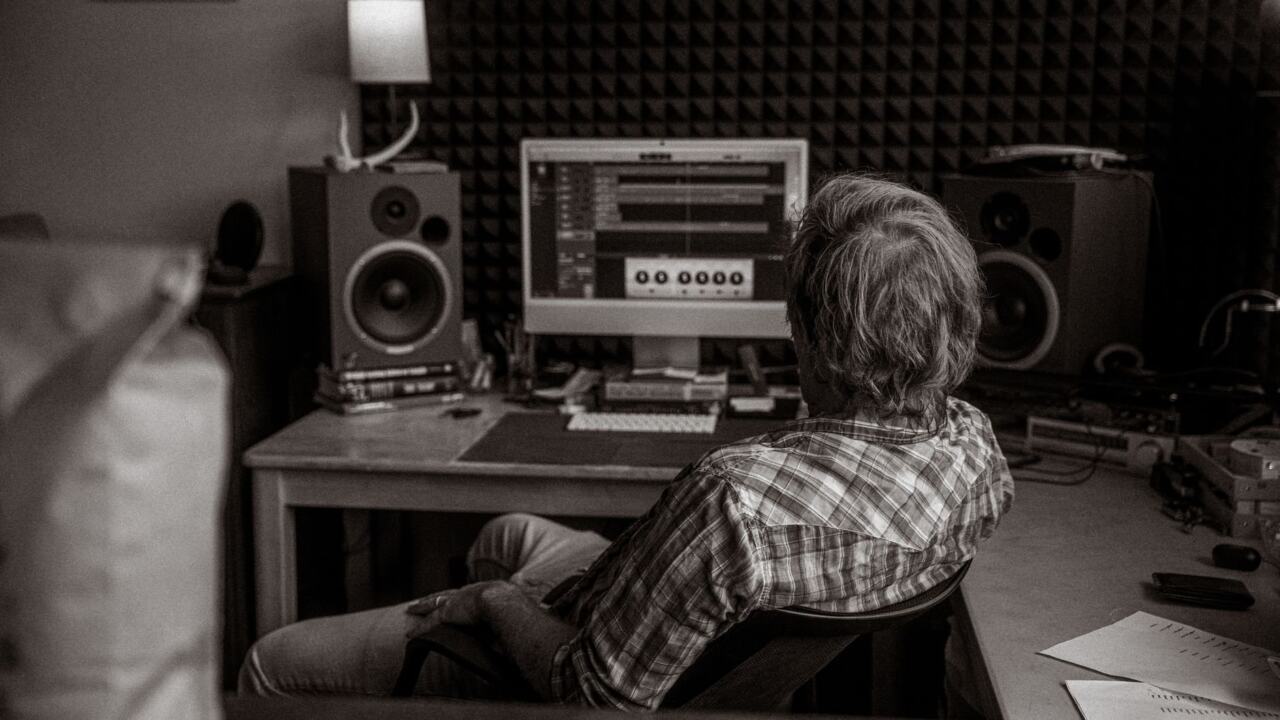
That last stage is where audio editing software earns its place. VoiceOverMaker’s own editor offers a multi-track timeline with drag-and-drop video and audio tracks, so narration, music and effects can sit in one project. If you export WAV or MP3 instead, any standard editor can take over from there.
Making AI voices sound natural
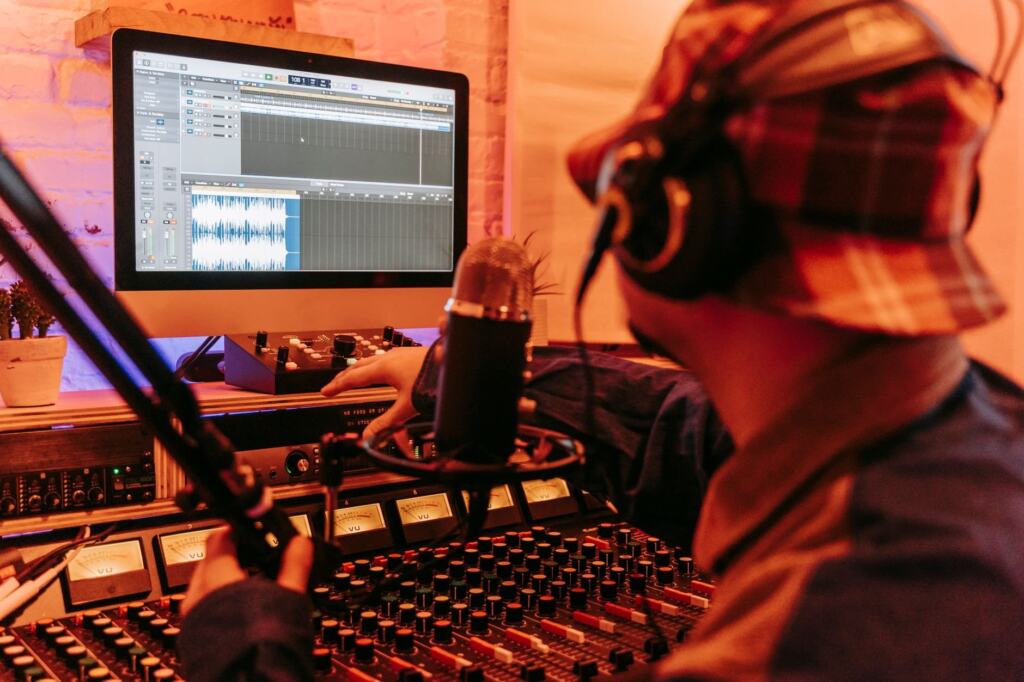
Natural delivery comes mostly from controlling timing, emphasis and pronunciation after the voice is chosen. The tools differ in how much control they give you, so check this before you commit to one.
Pacing, pitch and pauses
MicMonster lets you adjust rate, pitch, emphasis and pauses within the text. It says its Pause feature adds customizable pauses that create natural breaks for clearer, more engaging speech. Its Pro editor also controls tonality: speed, pitch, volume and emphasis. Use pauses at sentence and idea boundaries, and slow down only where a listener needs time to absorb a figure or a name.
Pronunciation and markup
Brand names, acronyms and place names are where synthetic speech most often slips. MicMonster’s phoneme feature offers detailed options for adjusting syllables, stress, vowels and consonants. VoiceOverMaker supports Speech Synthesis Markup Language (SSML), which lets you mark up pauses, emphasis and pronunciation in the script itself. A tool with phoneme or SSML control suits scripts full of specialist terms. A tool with only voice selection suits plain, short copy.
Voice choice and listening checks
Match the voice to the audience before fine-tuning anything: gender, accent and language are all selectable in tools such as PlayPlay. MicMonster lists a voice called Eric as suitable for assistant and narration use, a reminder that voices are often labelled by purpose, so pick one described for long-form reading when you are producing narration. Always listen to the preview on the speakers or headphones your audience will use. If a sentence sounds off, rewrite it or adjust its pauses, then regenerate only that line.
Tool comparison and pricing
The best tool depends on what you are producing: video with a voice track, narration where fine control matters, or a creator workflow. This table compares two tools on the delivery controls and pricing details their own pages state.
| Tool | Voices and languages | Pricing facts | Delivery controls | Planning use |
|---|---|---|---|---|
| PlayPlay free AI voice over generator | Over 140 languages and locales; free voices in male and female options with multiple accents | Free as part of the online video creation platform; premium plans exist for extra features | Preview, then apply to a video timeline | Suits quick video voiceovers where you want to try the result at no cost |
| MicMonster | 600+ voices across 140 languages | 2,000 free characters per month on trial accounts; unlimited characters on quarterly and annual plans | Rate, pitch, emphasis, pauses and phonemes | Suits scripts that need careful pronunciation and pacing, and heavy users who would otherwise run into a character limit |
Figures come from PlayPlay and MicMonster.
Other options are worth knowing. VoiceOverMaker says it converts text to naturally spoken language with a large library of voices across many languages, including WaveNet voices. It also supports SSML and exports to several audio and video formats, which makes it a fit when you want markup control and a choice of file formats. AnySpeech positions itself as a platform designed for YouTubers, podcasters and content creators, so it is a reasonable place to start if that describes your channel.
Voice counts and language counts are vendor claims and say little about quality. Judge each tool by previewing your own script, not by the size of its voice library.
Cost against a human voice actor
The main saving is that the voice and the recording kit are no longer purchases. PlayPlay’s page says there is no need for recording equipment or voice talent, and no need to hire voice actors for each region or record multiple takes. It also says that recording a voice over can take hours, which is the time cost a synthetic voice removes.
The pricing models are different, so compare them by what you will actually produce:
- Occasional short clips. A free tool or a trial allowance, such as MicMonster’s monthly free characters, may cover the work at no charge.
- Regular high volume. An unlimited-character plan, like MicMonster’s quarterly and annual options, makes more sense than a pay-as-you-go allowance.
- Several languages or regions. A single tool covering many languages can replace separate bookings for each region, according to the vendors.
- Performance-led work. If the piece depends on acting, a distinctive personal voice or a real person’s credibility, a human recording is likely still the better choice, even though it costs more time and equipment.
For hybrid projects where some sections are recorded by a person, our guide Best Podcast Equipment In 2026: Build A Pro Setup On Any Budget – Voiceoriginals helps you build a setup, and What Is A Lavalier? The Small Mic That Boosts Your Audio In 2026 – Voiceoriginals explains the small clip-on option for on-camera speakers.
Licensing, consent and disclosure
Rules on synthetic voices vary by country, platform and contract, so treat the vendor’s terms and the publishing platform’s policy as the controlling documents. Read them before you publish anything commercial.
- Commercial use. Check that the plan you are on allows the use you intend, especially when you start on a free tool and later add the audio to ads, courses or client work.
- Voice cloning and real people. Use a recognisable person’s voice only with their clear written permission. Do not imitate celebrities or private individuals without it.
- Data handling. Look at how a vendor treats the scripts and audio you upload, particularly when they contain customer or confidential material.
- Disclosure. Tell listeners the voice is synthetic wherever they could reasonably assume a real person is speaking, such as testimonials or messages presented as personal. Follow any labelling rule your platform sets.
- Records. Keep a copy of the licence terms and any permissions alongside the final files, so you can answer a claim or a platform query.
Frequently asked questions
Do I need a microphone to make an AI voiceover?
No. PlayPlay states that its generator needs no recording equipment or voice talent. You type or paste your script, choose a voice, and the tool produces the audio.
Which file formats can AI voiceovers be exported in?
VoiceOverMaker lets you save text-to-speech output as MP3, WAV or MP4 video. Other tools, like PlayPlay, apply the voice straight to a video timeline for export.
Can I try AI voice generation for free?
Yes. PlayPlay’s AI voice over tool is free within its online video platform, with premium plans for extra features. MicMonster gives trial accounts 2,000 free characters each month.
Do I need a separate voice actor for each language or region?
PlayPlay says you do not need to hire voice actors for each region or record multiple takes. Check each language’s preview yourself, because a tool listing a language does not guarantee the accent or pronunciation suits your audience.