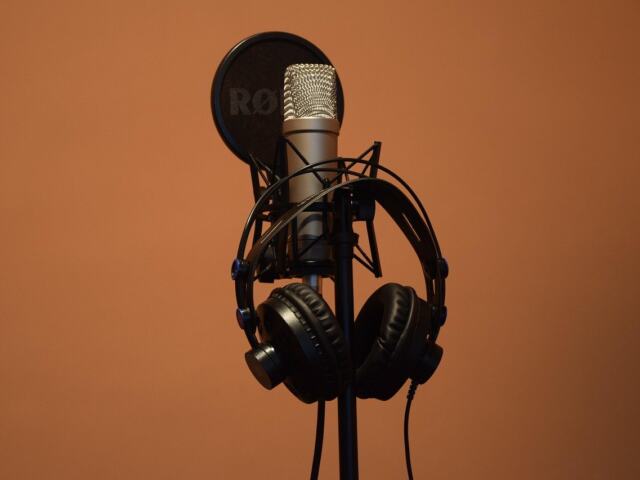
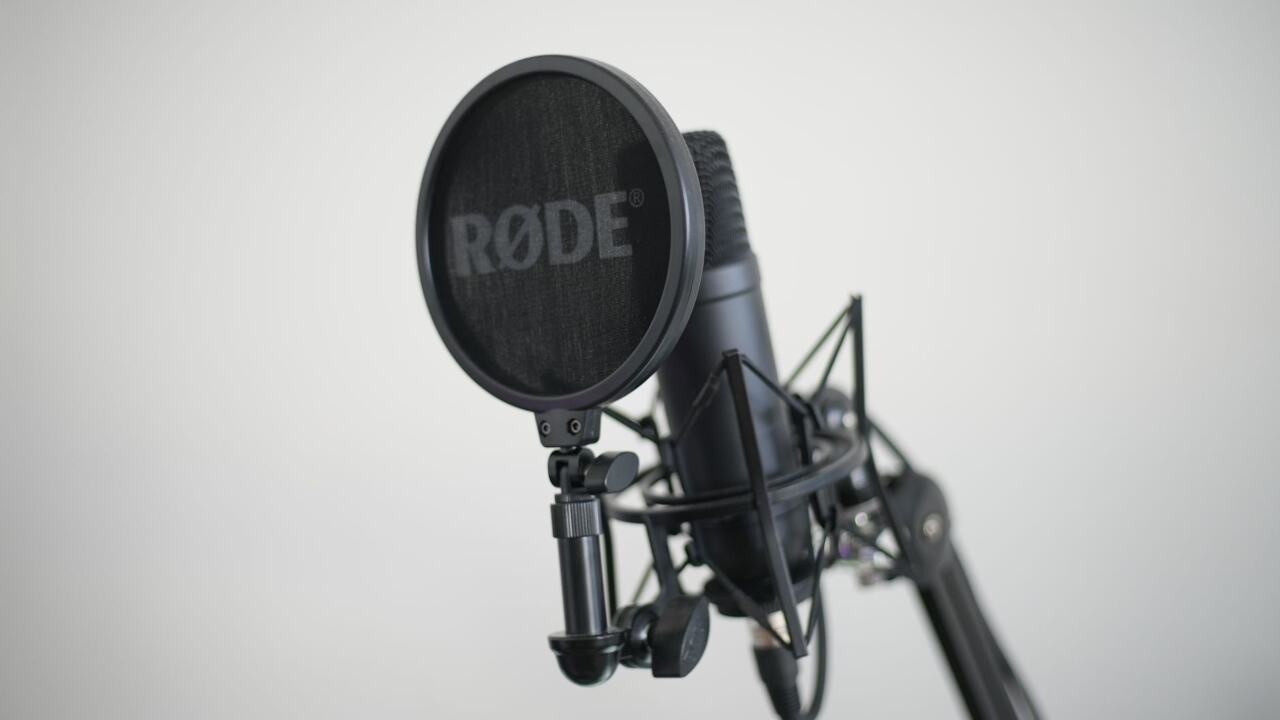
What is an XLR microphone? It is a microphone that outputs an analog signal through a three-pin XLR cable. It has no converter of its own, so it needs an audio interface or mixer before the sound reaches a computer.
If you are still choosing between microphone types for spoken-word work, our guide to the best microphone for voice recording sets XLR options alongside the alternatives.
How an XLR microphone gets sound to your computer
An XLR microphone is the analog half of a recording chain. Elgato explains that it sends an analog signal down a three-pin XLR cable and has no converter, so it depends on an audio interface. Boya describes that output as a weak analog balanced signal that requires external equipment for processing. A USB microphone builds that equipment in. An XLR microphone leaves it to you.
The signal moves in stages:
- Capture. The microphone turns sound into a weak analog signal.
- Transport. The XLR cable carries that balanced signal to the input of your interface or mixer.
- Amplify and convert. The external equipment takes over the preamp and analog-to-digital conversion that a USB microphone performs internally.
- Record. The converted signal reaches your computer and recording software.
Rode notes that XLR microphones are by far the most common type of microphone in professional audio applications. That standing comes largely from this modular design, because each link in the chain can be chosen and replaced separately.
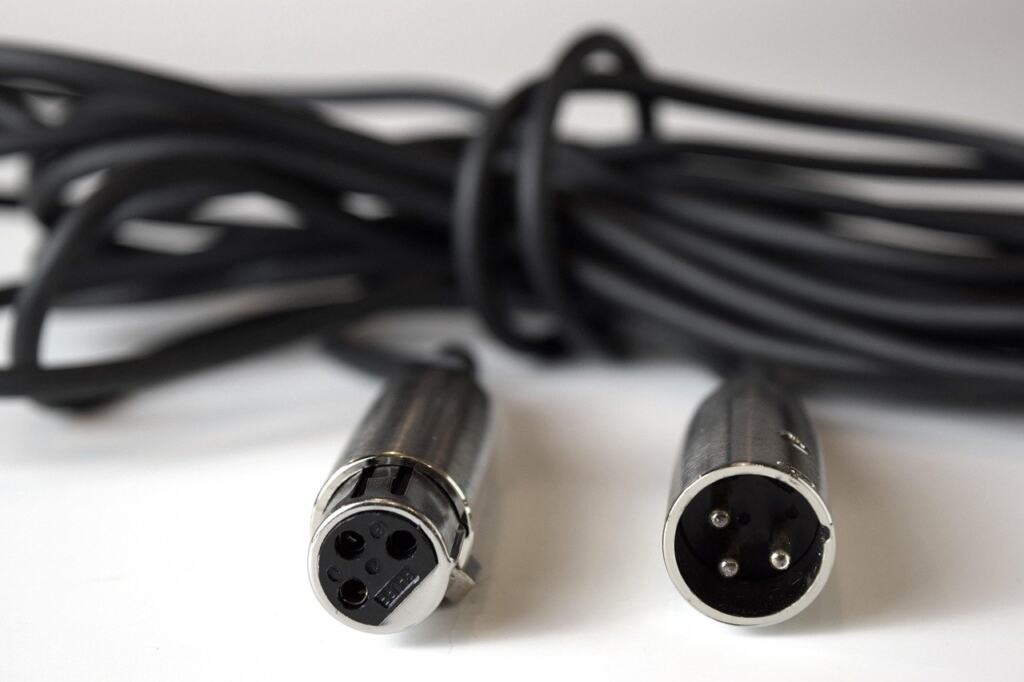
The next question after the connection is power, because not every XLR microphone behaves the same way once it is plugged in.
Phantom power and which XLR microphones need it
Whether an XLR microphone needs phantom power depends on its type. Condenser microphones need 48V phantom power to operate, and your audio interface supplies it through the XLR cable. Dynamic and ribbon microphones do not need it.
That leads to a simple rule: keep phantom power off unless the microphone calls for it. The same Elgato guidance warns that many passive ribbon microphones can be damaged by phantom power. If you are unsure what you own, check the microphone’s documentation before switching the 48V setting on.
- Condenser microphone: switch phantom power on at the interface or mixer.
- Dynamic microphone: leave it off; the microphone works without it.
- Ribbon microphone: leave it off, especially with a passive ribbon, which may be damaged.
What to plug an XLR microphone into
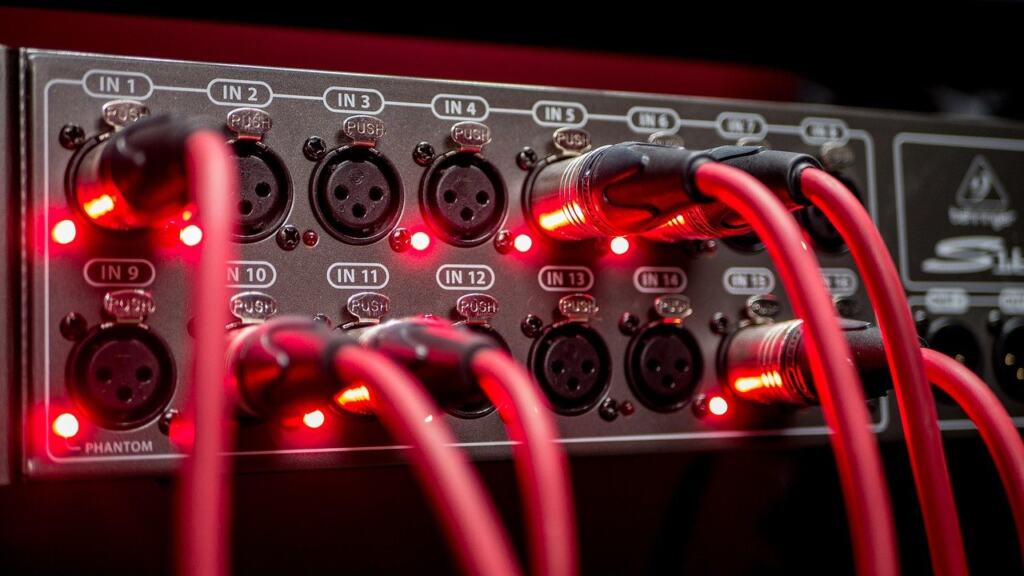
Plug an XLR microphone into an audio interface, or into a mixer that has XLR inputs. Either device provides the gain and conversion the microphone lacks, and an interface also supplies phantom power for condensers. Boya lists the basic XLR setup as microphone, audio interface and XLR cables.
Matching the input count to your voices
The number of inputs decides how many people you can record at once. Rode says that recording several microphones simultaneously calls for an XLR setup with an interface or mixer that has more than one input, and describes a mixer that can mix and record up to four XLR microphones simultaneously. For a solo voice, a compact interface is enough. For a podcast with guests, count the inputs before you buy.
Gain for quiet microphones
Gain is the other practical limit. Elgato points out that some dynamic microphones are notoriously quiet and need more gain than a basic interface may provide. If you plan to use a demanding dynamic microphone, check that the interface’s preamps can drive it before you commit.
After the interface
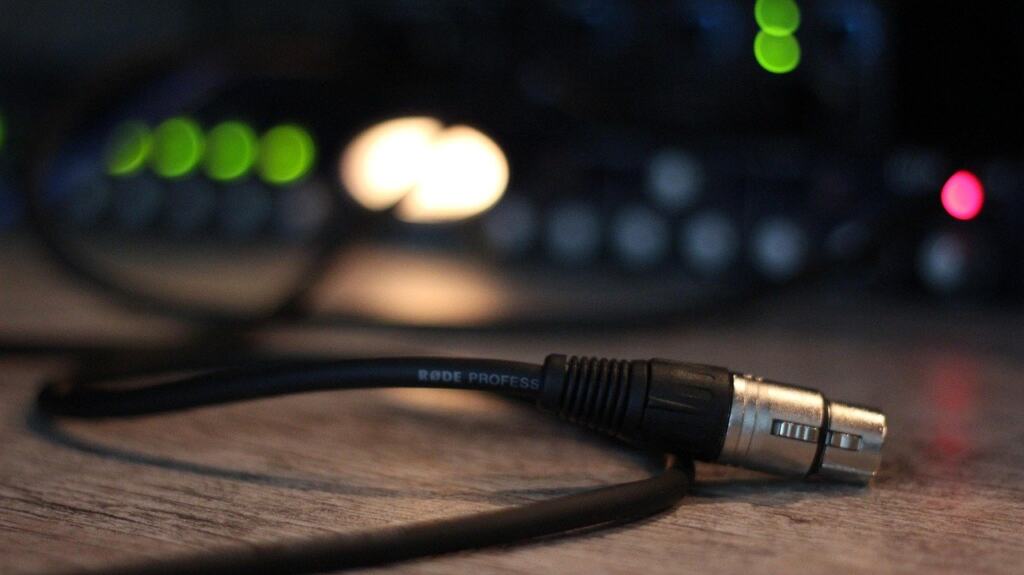
Once the interface has converted the signal, the digital recording is governed by settings such as sample rate, which What Is Sample Rate? A Clear Guide To Sampling Audio, Video, And Signals (2026) – Voiceoriginals explains in plain terms. To capture and edit the result, a beginner-friendly recording program helps, and Best Music Production Software For Beginners In 2026: 4 Easy DAWs To Start Making Tracks Today – Voiceoriginals covers the starting options.
USB vs XLR microphones compared
Neither type is better in every case; the right choice depends on how many voices you record and how much you want to upgrade later. A USB microphone packs the capsule, preamp and converter into a single device, so it suits starting quickly. An XLR microphone suits setups that will grow.
| Criterion | USB microphone | XLR microphone | Planning use |
|---|---|---|---|
| Conversion | On-board A/D processor converts analog to digital | No converter; needs an audio interface | Budget for an interface if you choose XLR |
| Setup | Plug and play | Requires interface or mixer | USB gets you recording sooner |
| Multi-host recording | Limited | Yes | Choose XLR for shows with guests |
| Upgrading | Essentially locked to the setup, with no option to change or upgrade | Microphone and interface can be changed separately | XLR rewards long-term planning |
| Mobile devices | Some models plug directly into a tablet or smartphone | Needs interface or mixer first | USB is the simpler route for phone recording |
Setup and multi-host ratings come from Podcast Provisions, while conversion, upgrade and mobile details come from Rode.
Sound quality
Hercules says XLR microphones are known for exceptional fidelity, offering clearer, warmer and more detailed audio than USB mics. The same Hercules guide adds that the gap has narrowed significantly and that many USB microphones now sound excellent. For a single voice in an untreated room, that narrower gap makes USB a sensible default. The XLR advantage grows when you can also upgrade components such as the preamp or audio interface over time.
Setup checklist
Elgato’s advice is to choose USB if you want to start now and are recording a single voice. Choose XLR if any of the following apply:
- You record more than one voice at a time. You need an interface or mixer with enough XLR inputs.
- You want to upgrade piece by piece. Interface and preamp can be replaced without discarding the microphone.
- You own or plan to buy a condenser. Make sure the interface supplies phantom power.
For a complete XLR kit, confirm you have the microphone, an audio interface, an XLR cable, and phantom power available if the microphone is a condenser.
Starter XLR prices and what they buy
Retailer listings give a rough picture of entry-level costs. The Shure SM7B, a dynamic XLR microphone, is listed from $399, and the Focusrite Scarlett 2i2 interface is listed at $199. For comparison, the USB-based Rode Podcaster Microphone is listed at $229. These are listing prices and can change, so treat them as a starting reference rather than fixed costs.
The practical point is that an XLR microphone is only part of the spend. Because it has no converter of its own, the interface and cable are required purchases, not optional extras. The SM7B is also a reminder of the gain issue: as a dynamic microphone, it makes a decent interface choice more important than usual. If your budget covers only a microphone, a USB model is the more complete purchase.
Frequently asked questions
What is an XLR microphone in simple terms?
It is a professional-style microphone that connects with a three-pin cable and sends an analog signal to separate equipment for amplification and conversion.
Is USB or XLR better for a beginner?
USB is easier for a beginner recording alone, because everything is built in. XLR is the better long-term investment if you expect guests or want to swap components later.
Do all XLR microphones need phantom power?
No. Condensers need 48V from the interface, while dynamic and ribbon models do not, and some passive ribbons can be damaged by it.
Can I plug an XLR microphone straight into my computer?
Not directly. The microphone has no converter, so it must go through an audio interface or mixer first.
Can I use a microphone with my phone or tablet?
Rode notes that some USB microphones plug directly into a tablet or smartphone. An XLR microphone would still need an interface or mixer in between.