Best podcast equipment helps a creator record clean audio and sound professional. The guide lists gear choices for hosts who want clear sound, reliable tools, and simple upgrades. It explains microphones, interfaces, mixers, and key accessories. The guide helps a podcaster pick gear that fits budget and goals. It keeps advice practical and direct.
Key Takeaways
- Choosing the best podcast equipment starts with matching gear to your show’s format, room size, and budget to avoid overspending.
- A high-quality microphone is essential for studio sound; dynamic mics suit noisy rooms, while condenser mics excel in quiet, treated spaces.
- Audio interfaces are ideal for one to two microphones, providing clean digital audio, whereas mixers suit larger groups needing live control.
- USB interfaces simplify setup and cost less, perfect for beginners, while mixers offer tactile control for complex live productions.
- Essential accessories like closed-back headphones, boom arms, pop filters, and shock mounts improve sound quality and recording comfort.
- Starter bundles with trusted dynamic mics and USB interfaces offer affordable, plug-and-play solutions that allow gradual upgrades.
How To Choose The Right Gear For Your Show
How to choose gear starts with the show format. A solo host needs different gear than a multi-host interview show. They should list goals, room size, and budget first. They should test a microphone in their room before they buy. They should choose gear that matches mic type, input counts, and portability needs. They should plan upgrades in steps: microphone, interface, and monitor headphones. They should also factor in software and hosting costs. This process keeps purchasing clear and prevents wasted spending on mismatched equipment.
Start by answering three practical questions: will you record in the same room consistently, do you plan remote interviews, and how many simultaneous voices will you record? For a consistent home setup, prioritize a single high-quality mic and good room treatment. If you travel or record in multiple spaces, prioritize portability and simple connectivity (USB or compact XLR interfaces). For frequent remote interviews, factor in headphone mixes and clean direct outputs so each guest can be recorded separately when needed.
Use a stepwise upgrade plan to spread cost and learn at each stage. Begin with a microphone and headphones you like, then add an interface, then improve the recording space with acoustic panels or a reflection filter. Keep a short checklist when comparing purchases: number of inputs, phantom power for condensers, driver reputation for interfaces, warranty terms, and available spare parts (cables, mounts). These practical checks reduce returns and compatibility headaches.
Microphones That Deliver Studio Sound
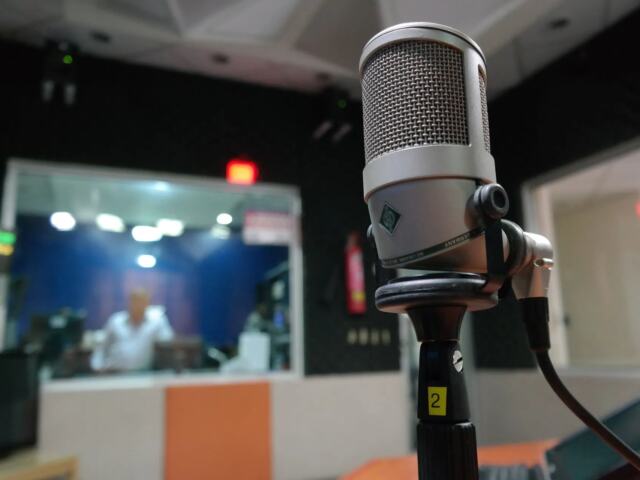
A microphone makes the largest audio difference. The best podcast equipment list starts with a good mic. They should pick a mic that rejects room noise and captures voice warmth. They should prefer mics with clear midrange and low self-noise. They should test brands like Shure, Rode, and Heil for reliable results. They should also check capsule type and polar pattern to fit their setup. A quality microphone reduces editing time and makes the voice sit well in a mix.
Beyond brand names, focus on three technical traits: polar pattern (cardioid, hypercardioid, or omnidirectional), sensitivity/self-noise, and frequency response. Cardioid patterns are the most common for podcasting since they reject sound behind the mic and keep background noise low. Look for a mic with a gentle boost in the presence range (2–6 kHz) to help voices cut through without sounding harsh. For recorded interviews where background noise is an issue, a budget-friendly dynamic mic often outperforms an inexpensive condenser.
Placement and technique also affect perceived studio quality. Keep the mic 4–8 inches from the mouth and slightly off-axis to reduce plosives and sibilance. Use consistent mic technique across hosts—matching distance and angle improves tonal balance between participants. Record a few test takes at different gain settings and positions; listen back on headphones and make small adjustments before the first real take.
Dynamic Vs. Condenser: Which To Pick?
A dynamic mic suits untreated rooms and loud sources. It rejects background noise and lives close to the mouth. A condenser mic captures more detail and breath. It needs a quiet room and sometimes a shock mount. They should choose a dynamic mic for live shows and noisy rooms. They should choose a condenser mic for studio booths and detailed voice work. They should weigh room treatment, mic gain, and voice tone when they pick between the two types.
Practical selection tips: if you have little or no acoustic treatment and record near computers, HVAC, or street noise, choose a dynamic mic. If your recording space is treated or you have tight control of ambient noise, a condenser can add air and detail that helps with intimacy and nuance. Also consider the voice: deeper voices can benefit from condenser clarity, while very bright voices may sound better through a warmer-sounding dynamic.
Remember compatibility: many dynamic mics are forgiving with cheap preamps, whereas condensers often need cleaner preamps and reliable phantom power. If you plan to record both voice and acoustic instruments later, a condenser offers more versatility—just budget for room treatment and a better interface or preamp.
Audio Interfaces And Mixers: Do You Need One?
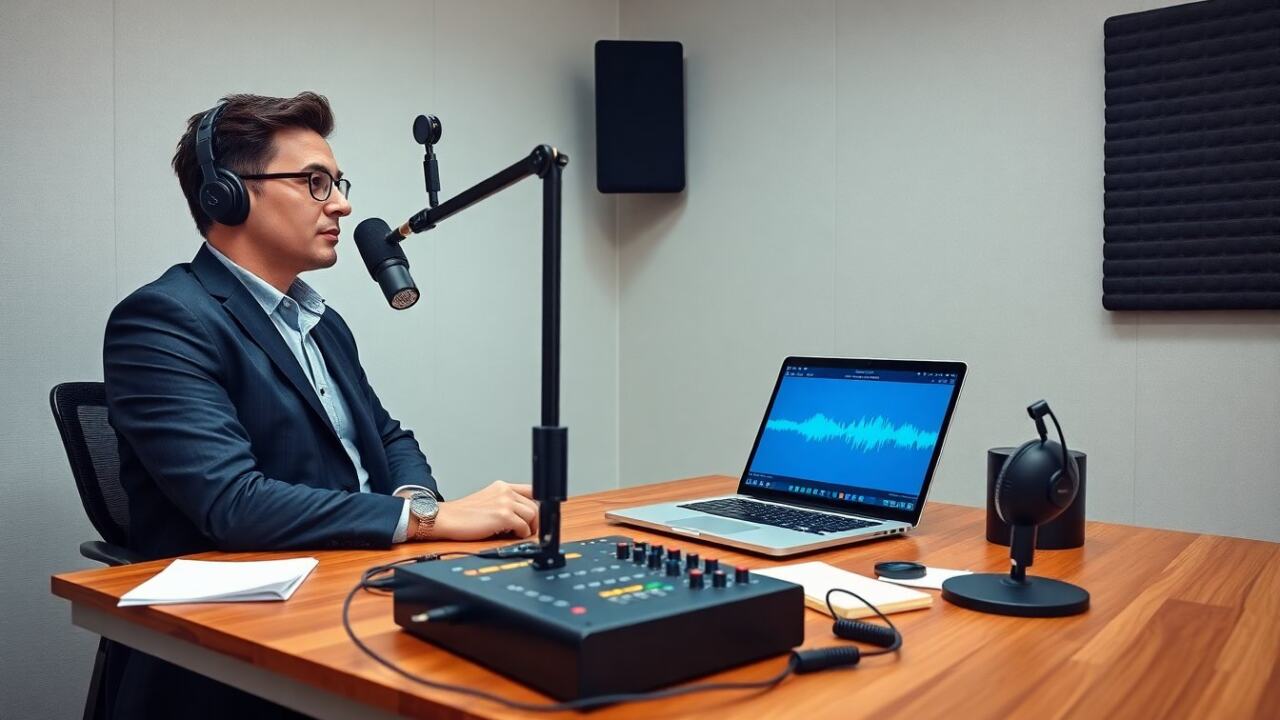
An audio interface converts mic signals into digital audio. A mixer routes multiple mics and adds hands-on control. The best podcast equipment setup often includes an interface for one to two mics. A mixer makes sense for four or more mics or live call-ins. They should check preamp quality, latency, and driver reliability. They should prefer interfaces with enough inputs for future growth. They should also verify phantom power for condenser mics. Interfaces keep audio clean and simplify the recording process.
Decide based on channel count and workflow. For solo or duo shows where you record into a DAW, an audio interface with two mic preamps and direct monitoring is the simplest path. For roundtable interviews, live-streamed panels, or shows requiring cue mixes and hardware effects, a small mixer or hybrid mixer/interface gives faster control and redundancy. Consider how you record remote guests—if you use phone or online calls, a mixer with multitrack routing and local recording options reduces post-production headaches.
When comparing interfaces, evaluate microphone preamp gain (can it cleanly handle low-output dynamics?), sample rates, and monitoring options (latency-free direct monitoring is vital). Check compatibility with your operating system and DAW, and prefer well-supported drivers. For mixers, look at routing flexibility (subgroups, aux sends), onboard processing (EQ, compression), and how easy it is to isolate individual tracks for editing later.
USB Interfaces Vs. Mixers: Pros And Cons
A USB interface plugs directly into a computer and simplifies setup. It offers low latency and high audio quality for small teams. A mixer provides tactile control and built-in routing and effects. It suits live streams and larger groups. USB interfaces often cost less and require less tech skill. Mixers cost more and need more setup time. They should choose a USB interface for easy recording. They should choose a mixer if they need live mixing or complex routing.
USB interfaces are ideal when you want a compact, computer-focused workflow—plug in your mic, set levels in software, and record. Many modern USB interfaces also provide direct multi-client drivers and simple monitoring mixes. Mixers shine when you need on-the-fly adjustments during a live event, want physical faders for multiple participants, or need to route different outputs simultaneously (stream mix vs. host mix vs. record tracks).
Also consider hybrid options: small digital mixers with USB multitrack outputs combine the best of both worlds. If future-proofing matters, pick an interface or mixer with spare inputs and flexible routing so you can add a remote host, a field recorder, or a second camera without replacing your entire rig.
Essential Accessories: Headphones, Stands, And Pop Filters
Headphones let a host monitor sound and catch issues early. Closed-back models prevent bleed during recording. A stand or boom arm positions the mic and reduces handling noise. A pop filter reduces plosives and keeps levels steady. A shock mount lowers vibrations from the desk. They should pick comfortable headphones with flat response for accurate monitoring. They should pair a stable boom arm with a durable clamp. They should add a pop filter and shock mount for cleaner voice recordings.
Good accessories are inexpensive ways to improve perceived audio quality. Choose closed-back, over-ear headphones with a flat-ish frequency response so edits translate to other listening systems. Invest in a sturdy boom arm rather than a desktop tripod to keep the mic stable and out of the way of notes or keyboards. Use a pop filter or foam windscreen to tame hard plosives, and add a simple desk-mounted shock mount to reduce thumps when you move the desk or type.
Don’t forget cabling and cable management: use balanced XLR cables for XLR mics and avoid cheap, microphonic cable runs. Label inputs and keep spare cables, adapters, and a small toolkit handy. Regularly clean and inspect foam windscreens and mic capsules for dust—simple maintenance keeps your gear working longer and sounding better.
Budget Kits And Recommended Starter Bundles
Budget kits give a complete setup without a large cost. A typical starter bundle includes a dynamic microphone, a basic USB interface or USB mic, closed-back headphones, and a boom arm. The best podcast equipment bundles for beginners often use the same trusted mic models. They provide clear voice capture and plug-and-play use. They reduce the learning curve and speed up the first episodes. They also let a creator upgrade one item at a time as their show grows. These kits keep quality high and cost low.
When shopping starter bundles, look for kits that include reliable cables, a mic mount or clip, and basic accessories like a pop filter and foam case. A good bundle allows you to focus on content instead of compatibility issues. If you buy a USB mic bundle, prioritize portability and reduced setup complexity; if you buy an XLR-based bundle, ensure the included interface has room for growth.
Finally, use budget kits as a stepping stone: replace the weakest link first (often headphones or monitoring) then upgrade the microphone or interface. Keep receipts and check return policies so you can swap items after testing them in your own space. With a sensible upgrade path and a focus on core needs—clean voice, low noise, and comfortable monitoring—these starter bundles will get you to publishable audio quickly without sacrificing the long-term potential of your setup.