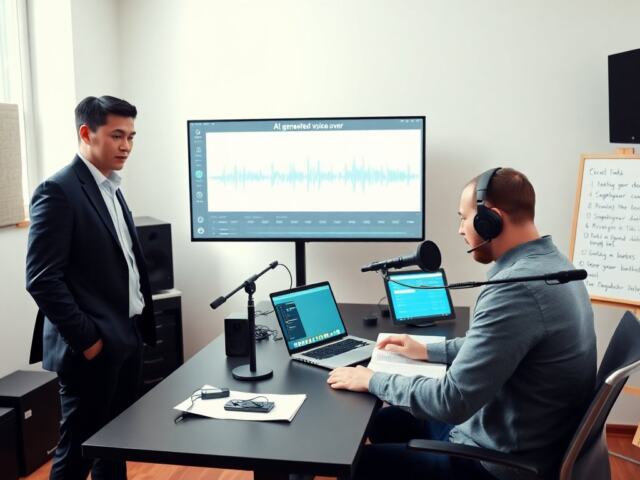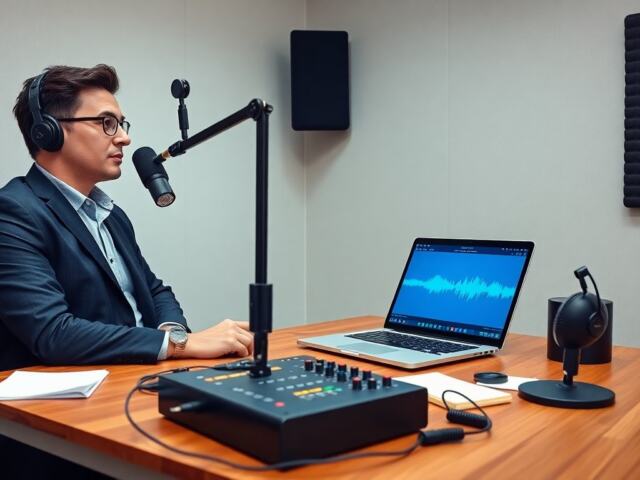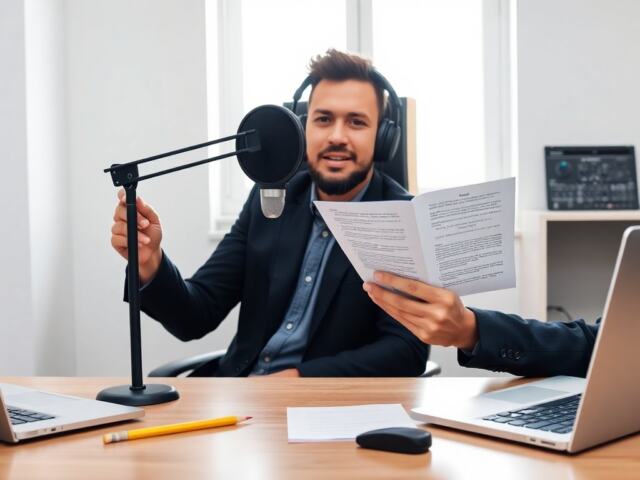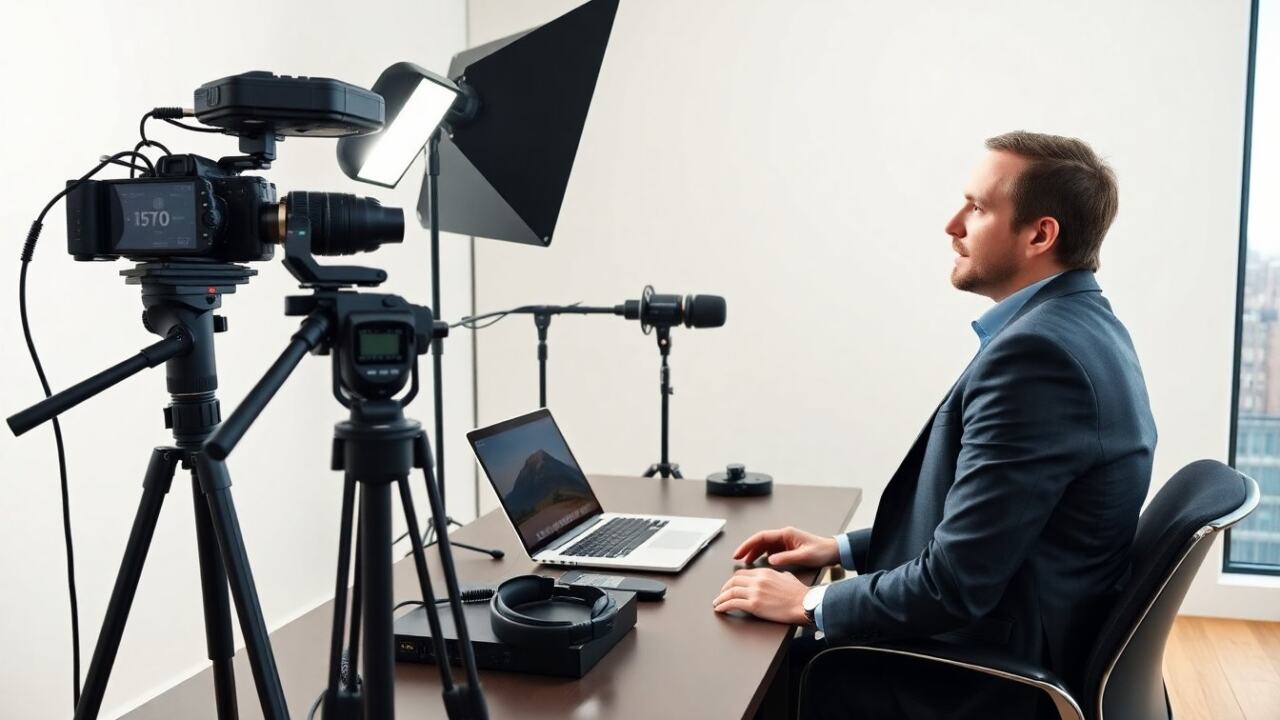
Video podcast equipment must sit at the top of any shopping list for a new show. This guide lists core gear, simple upgrades, and workflow tips. It helps a creator choose cameras, microphones, lights, and capture tools. It explains choices by budget and by production need. It aims to shorten the learning curve and help a team sound and look professional fast. Below you’ll find practical, actionable guidance so you can prioritize purchases, set up a reliable production, and scale from a one-person livestream to a multi-source interview show without redoing your entire kit.
Key Takeaways
- Video podcast equipment essentials include a camera, microphone, lighting, and a recorder tailored to your budget and production needs.
- Choosing the right camera, from entry-level webcams to professional mirrorless and cinema cameras, impacts video quality and lighting requirements.
- Microphone selection, whether dynamic, condenser, or USB, should match your recording environment and provide clear, broadcast-quality audio.
- Proper lighting using a three-point setup and thoughtful framing enhances video professionalism and viewer engagement.
- Use capture devices and switchers for multi-source recording and maintain reliable connectivity for smooth remote guest participation.
- Essential accessories like mic arms, tripods, headphones, and power solutions ensure stable setup and consistent audio monitoring.
What You Need To Start: Core Components Explained
A video podcast equipment list starts with four parts: camera, microphone, light, and recorder. A camera captures video. A microphone captures sound. A light improves image quality. A recorder or computer saves files. A creator should pick gear that matches budget and goals. For single-host shows, a USB mic and webcam can work well and get you live quickly; prioritize a good pop filter and an inexpensive LED panel to lift the image. For interview formats and multi-person panels, plan for multiple XLR mics, mic stands, and either a small mixer or an audio interface with enough preamps. If you intend to grow to multi-camera shoots, factor in capture cards and a switcher from the beginning so camera outputs, timecode, and recording formats remain compatible. Don’t forget room treatment—simple absorbers or rugs dramatically improve sound even more than incremental mic upgrades.
Camera Options: Entry-Level To Professional
A webcam offers plug-and-play ease and low cost. A creator can use a 1080p webcam for casual shows and use software to correct color and exposure. Mirrorless cameras offer better color, low-light performance, and shallow depth of field; choose an APS-C or full-frame body and a versatile lens (a 24–70mm or fast 35mm equivalent) for a professional look. Action cameras and compact cameras fit tight spaces or on-body angles; they’re useful for cutaways. At the pro end, cinema cameras or high-end mirrorless bodies give maximum control over codecs, frame rates, and dynamic range, useful if you plan heavy color grading. Regardless of the tier, add a capture card or HDMI-to-USB converter if you want the camera to act as a webcam; also verify clean HDMI output and continuous power options (dummy battery or AC adapter) to avoid mid-episode shutdowns. Consider how the sensor size influences lens choices and lighting needs: larger sensors usually require less light for the same exposure but may demand more attention to focus and depth of field.
Microphone Choices: Dynamic, Condenser, And USB Picks
A dynamic mic rejects room noise and suits untreated rooms and live-streamed conversations; it’s a common choice for spoken-word formats because it emphasizes direct, close-up voice pickup. A condenser mic captures detail and suits treated rooms—useful when you want a bright, airy vocal character, but sensitive to room reflections. A USB mic simplifies setup by combining microphone and A/D conversion; it’s ideal for solo hosts or remote recording without an interface. If you select a dynamic XLR mic, check preamp gain—some need higher-gain interfaces or a dedicated preamp. An audio interface converts XLR to USB and provides reliable gain staging and monitoring; choose one with enough inputs for your future plans. A mixer helps when multiple mics or live sound cues are involved and can be especially helpful if you want hardware control of levels and headphone mixes. Practical accessories include pop filters, windscreens for plosives, shock mounts to reduce handling noise, and inline pads or filters for very loud voices or imperfect rooms.
Lighting, Background, And Framing Best Practices
A three-point light setup gives a clean, professional look: a key light for main illumination, a fill to reduce harsh shadows, and a back or hair light to separate the subject from the background. Use softboxes, diffused LED panels, or bounced light to avoid hard shadows and to flatter skin tones. Practical placement tips: place the key light 30–45 degrees off-axis and slightly above eye level, keep fill light intensity lower than the key, and place the hair light behind and above to add separation. Keep the background simple and intentional—add a single practical (lamp, plant, bookshelf) to create depth, and avoid clutter that competes with the host. For framing, sit at eye level with the lens, leave space above the head, and compose using the rule of thirds so the eyes sit roughly one-third down from the top of the frame. If using multiple cameras, match color temperature and white balance across cameras and test skin tones on each to ensure consistent cuts during editing.
Capture, Switchers, And Connectivity: How To Record Multi-Source Shows
A capture device records camera HDMI to a computer and can also stream that feed to services. For multi-camera shows, a hardware switcher gives instant program switching with low latency and can record multi-track outputs independently; a software switcher such as OBS or vMix adds scene composition, overlays, and remote guest windows with more flexibility but relies on a strong CPU and GPU. Always record a direct ISO (isolated) track when possible so each camera and mic is usable in post. Use SD cards or SSD recorders as redundant backups to avoid single-point failures. Timecode generators and clapper methods help sync audio and video from separate devices, while simple audio slate tones or visual sync points also work. For remote guests, use a dedicated network or VLAN if possible, prioritize wired Ethernet, and test bandwidth and latency in advance; consider hardware encode/decode units or cloud-based solutions when working with multiple remote contributors to reduce local CPU load. Finally, verify frame rates, resolution, and color space on all devices before recording so all sources match and glitch-free multicam timelines are achievable in editing.
Accessories You Can’t Skip: Mounts, Headphones, And Power
A sturdy microphone arm or boom positions the mic consistently and reduces desk noise. A reliable tripod or C-stand secures the camera and allows for repeatable framing; look for quick-release plates for fast swaps. Closed-back headphones are essential for monitoring and for catching bleed, clicks, or background noise in real time. Power planning is critical: use AC adapters or larger capacity batteries and consider an uninterruptible power supply (UPS) or fast-swappable battery system for critical live shows. Keep a kit of spare cables (XLR, HDMI, USB), adapters, and a basic toolset for last-minute fixes. Cable management—Velcro straps, cable trays, and labeled connectors—reduces tripping hazards and accidental disconnects. Small accessories like a phone mount for social clips, a reflector for fill, and backup storage media round out a dependable kit that minimizes day-of-show emergencies.
Recording, Editing, And File Management Tips For Reliable Episodes
A creator should always record a backup audio track locally—either on a dedicated recorder or on the guest’s device—because it’s the simplest insurance against dropped connections or software crashes. Name and label files consistently using date and episode number and maintain a predictable folder hierarchy (raw/audio, raw/video, project, exports). Use multitrack recording when possible so you can fix level issues in post without affecting other channels. For editing, create a multicam sequence and relink to ISO files if you used a switcher; non-linear editors like Premiere Pro, Final Cut Pro, or DaVinci Resolve handle this workflow but pick one and learn its multicam tools. Export a high-quality master for archiving and a compressed web version for distribution; keep checksum-verified backups of masters on separate drives or cloud storage. Finally, establish a retirement policy for raw footage to free drive space—archive to cold storage after a set period or once the episode performance and legal windows have passed—and maintain a changelog so anyone on your team can pick up a project quickly.