What does an audio interface do and why does it matter for home recording? An audio interface converts analog sound into digital data. It sends that data to a computer and it returns digital audio as analog for speakers and headphones. It raises signal level, it supplies phantom power, and it reduces noise. The device makes recording clear and reliable for musicians and podcasters.
Key Takeaways
- An audio interface converts analog sound to digital data and back, enabling clear and reliable recording for musicians and podcasters.
- It includes preamps that boost microphone signals and shape sound, offering users control over tone and signal quality.
- The device provides various inputs and outputs, such as XLR, TRS, and instrument inputs, supporting multiple instruments and microphones.
- Phantom power supplied by the interface powers condenser microphones safely, enhancing recording flexibility.
- Audio interfaces manage monitoring and latency, with direct monitoring features minimizing delay for a better recording experience.
- Connectivity options like USB and Thunderbolt affect data transfer speed and channel count, influencing overall performance.
How An Audio Interface Converts And Shapes Sound (AD/DA + Preamps)
An audio interface converts analog signals to digital with an A/D converter. The interface samples the incoming waveform and it assigns numbers to those samples. Higher sample rates and bit depths give more detail. The interface uses a D/A converter to turn digital tracks back into analog for monitoring. Quality converters reduce distortion and they lower noise.
The interface contains preamps that boost weak mic signals to line level. The preamp raises the voltage and it adds character to the sound. Some preamps aim for transparency and they preserve the source. Other preamps add color and they push harmonic content. Users choose based on taste and purpose.
The interface sets gain and it prevents clipping. The user turns the gain knob and the interface measures the input level. The device displays level with meters or LEDs. The interface also uses digital signal routing and it can apply basic processing, like pad or high-pass filters, before conversion. The device hence shapes the tone before the audio reaches the computer.
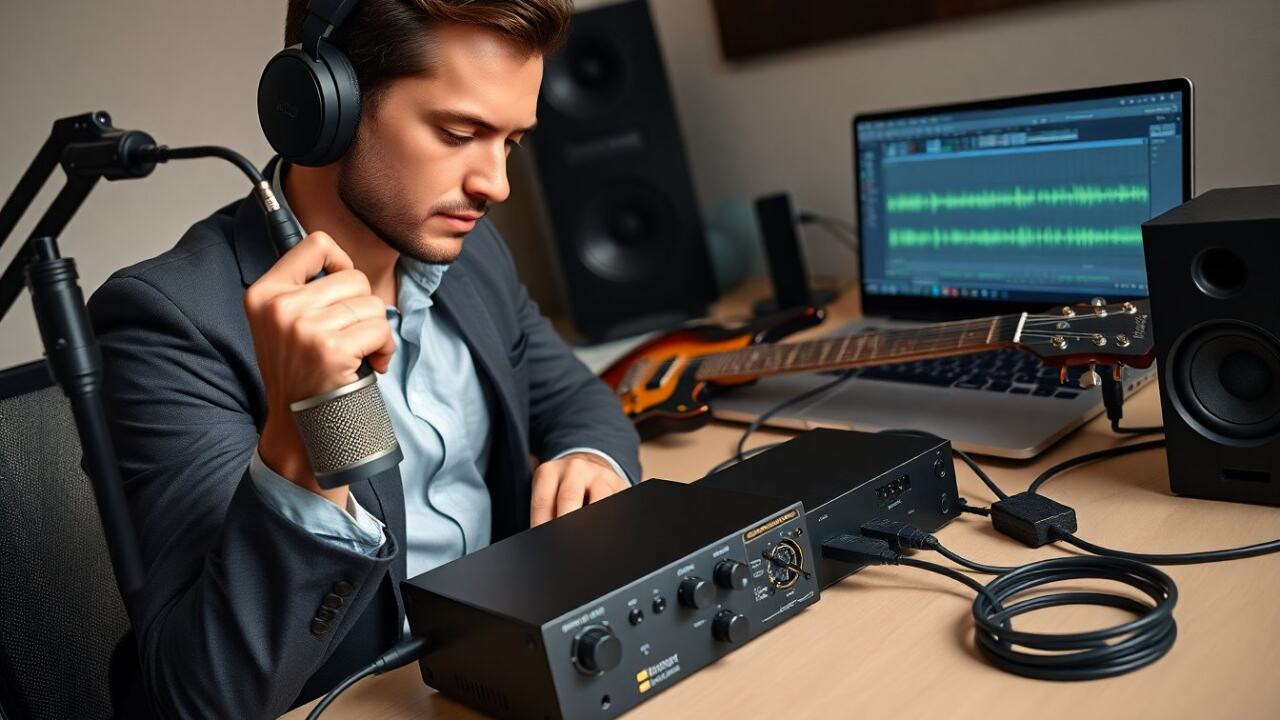
What does an audio interface do during recording? It captures the source at a set sample rate and bit depth, and it sends that data to the DAW. The DAW stores and edits the data. When the user plays tracks, the interface converts them back and it delivers them to monitors or headphones. The interface so controls fidelity at both capture and playback stages.
Inputs, Outputs, And Connectivity: What You Plug In And Why It Matters
An audio interface exposes inputs and outputs for instruments, mics, and speakers. Users plug microphones, guitars, keyboards, and monitors into the interface. The connectors determine compatibility and signal quality. Common connectors include XLR, TRS, and TS. Some interfaces add ADAT or S/PDIF for expanding inputs.
The interface uses USB, Thunderbolt, or Ethernet to send data to the computer. Thunderbolt gives lower latency and it can support higher channel counts. USB remains common and it works well for single users. Ethernet and AVB suit large setups and they support longer cable runs.
The interface offers direct monitoring and it connects headphone and monitor outputs. The device often includes a word clock input for syncing with other gear. It may include MIDI I/O for keyboards and controllers. The choice of connections affects workflow and future upgrades.
What does an audio interface do for signal routing? It maps inputs to DAW tracks and it routes playback to physical outputs. The interface also offers levels, monitoring mixes, and sometimes built-in DSP for effects. Users check the specs for channel count, bit depth, and sample rate to match their needs.
Mic Preamps, Line Inputs, Instrument Inputs, And Phantom Power
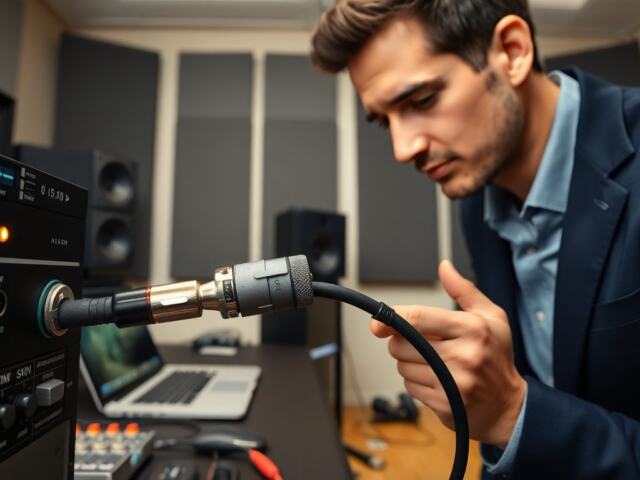
An interface includes mic preamps for low-level microphone signals. The user plugs an XLR mic into the preamp and the preamp raises the signal to line level. The interface exposes line inputs for mixers and synths. The user plugs balanced TRS cables into line inputs for lower noise.
Instrument inputs accept high-impedance guitar and bass signals. The interface switches to instrument mode and it matches impedance for better tone. The user engages the instrument input when plugging a passive electric guitar directly.
The interface supplies 48V phantom power for condenser microphones. The user switches phantom power on when using condensers. The interface protects ribbon mics by warning against phantom power when not needed. The device so powers microphones that need active electronics and it avoids damage to mics that do not.
Monitoring, Latency, And Direct Monitoring vs. Software Monitoring
The interface controls monitoring and latency impacts the recording experience. Latency is the time between playing a sound and hearing it back. The interface and the computer share the delay. The interface driver and buffer size determine latency.
Direct monitoring sends input signals to the outputs before the computer. The user hears the input with near-zero latency. The interface blends direct monitoring and playback so the user hears both live input and the DAW.
Software monitoring uses the DAW to process and route sound. The user may prefer software monitoring for processed effects and for complex routing. The interface handles low-latency monitoring better when it offers hardware direct monitoring. The user lowers buffer size to reduce latency, but lower buffers can strain the CPU. The interface so balances responsiveness and system stability.