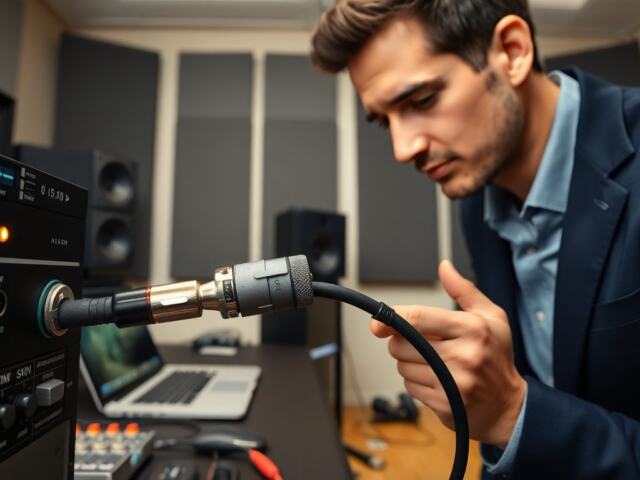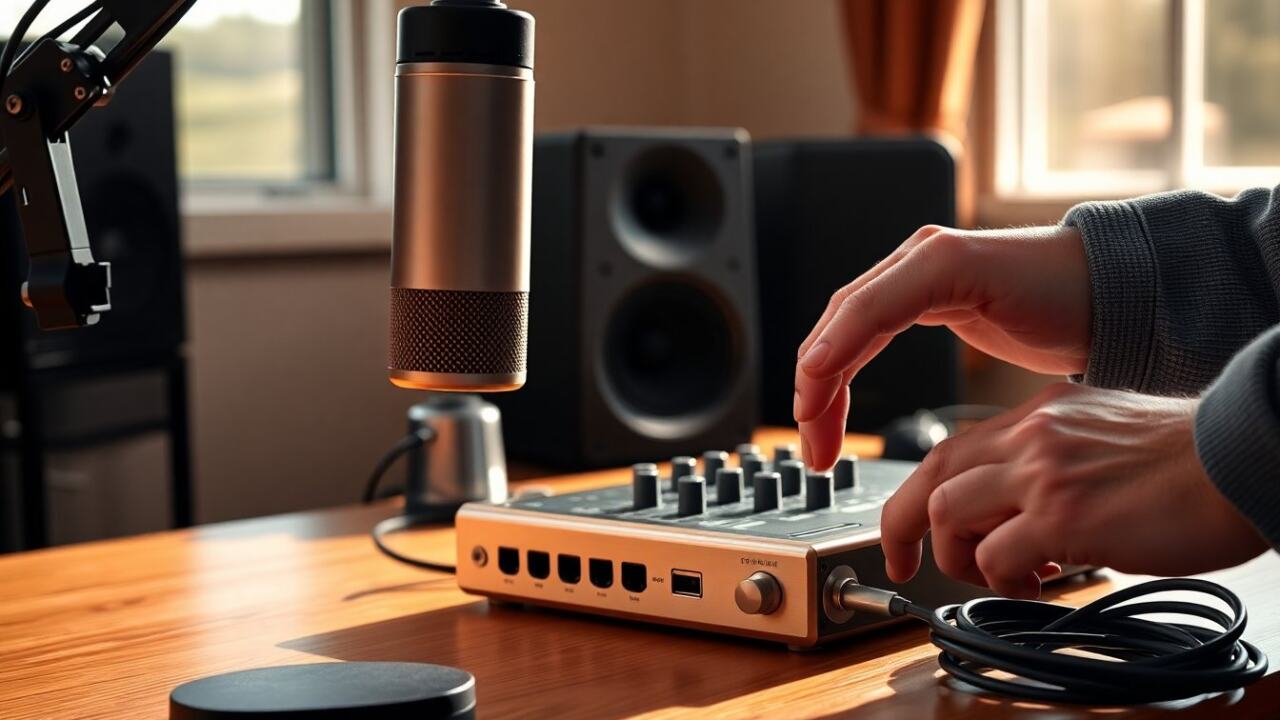
In audio contexts, phantom power supplies DC voltage, most commonly 48V, to condenser microphones and other balanced devices through the same XLR cable that carries the audio, removing the need for a separate power connector. It’s a quiet, invisible supply that keeps sensitive electronics active while staying out of the signal path. The rest of the article explains what phantom power does, which gear expects it, and safe ways to use it.
Key Takeaways
- Phantom power is a 48V DC supply delivered through balanced XLR cables that powers condenser microphones and other compatible audio devices without interrupting the audio signal.
- Condenser microphones and many active DI boxes rely on phantom power for proper operation, while most dynamic and ribbon microphones do not require it and may be damaged if phantom power is applied improperly.
- Always enable phantom power only after securely connecting all cables and keep preamp gain low initially to prevent noise and equipment damage.
- Use high-quality, properly wired XLR cables and verify device compatibility before chaining multiple devices with phantom power to avoid interference or hardware failure.
- Consult device manuals to confirm phantom power requirements, especially for vintage or ribbon microphones, to prevent damage from incorrect voltage supply.
- Regularly troubleshoot by checking phantom power settings, cables, and connectors if audio issues arise, and consider dedicated, controllable phantom supplies for sensitive or complex setups.
What Phantom Power Is And How It Works
Phantom power is a method of delivering DC voltage to audio devices over a balanced microphone line without interrupting the audio signal. Condenser microphones commonly need it because they use an internal preamp and a charged capsule or active electronics that require steady DC. The voltage (nominally 48 volts, though 9V and 12V variants exist) is applied equally to pins 2 and 3 of an XLR connector while pin 1 remains ground: because the voltage is identical on both signal pins relative to ground, balanced differential audio sees no net DC and passes unaffected.
Inside a microphone, the DC is routed through blocking and regulation components to power the capsule bias and preamp. Preamps and mixers that provide phantom power include protection to prevent DC from feeding back into the console’s circuitry. When used correctly, phantom power is effectively invisible: it powers the mic yet does not color the audio just by being present. Devices expecting phantom power will state it on their specifications: if a microphone needs it and doesn’t receive it, the result is low output or no sound at all. Conversely, supplying phantom to incompatible equipment can cause problems if the wiring or device design is unusual, so understanding connector wiring and device requirements is important.
Key points: phantom power is a DC supply on a balanced line, 48V is the professional standard, and it’s designed to coexist with the audio signal without interference.
Which Devices Use Phantom Power (Microphones, DI Boxes, Preamps)
Several common studio and live devices rely on phantom power:
- Condenser microphones: These are the primary users: small-diaphragm and large-diaphragm condensers need phantom for the capsule bias and onboard electronics. Most pro condensers expect 48V, while some older or battery-capable models accept lower voltages.
- Active DI (direct injection) boxes: Many DI boxes with active circuitry use phantom power instead of an external adapter. This makes stage setup simpler because the console supplies the needed voltage through the mic input.
- Microphone preamps and channel strips: Some external preamps accept phantom power when the input is routed through an XLR and may pass it on to connected mics.
- Tube microphone power supplies and specialty gear: A few niche products use phantom or similar supplies for remote powering, but tube mics often require dedicated supplies or external boxes.
Dynamic microphones and ribbon microphones are typically passive and do not require phantom power. But, modern active ribbon mics may need phantom, check the manufacturer’s specs. Blanket rules are risky: the safest practice is to consult the device manual. Providing 48V to gear that explicitly disallows it may damage transformers or vintage ribbon designs wired incorrectly, so care is required when mixing old and new equipment.
How To Turn On, Supply, And Chain Phantom Power Safely
Turning on and distributing phantom power correctly prevents noise and avoids equipment damage. First, identify the phantom-power source: mixing consoles, audio interfaces, and standalone phantom supplies are common. Many interfaces let users enable phantom per channel or globally: consoles usually provide a per-channel or group switch. When powering mics, turn phantom on after all cables are connected and levels are set low, then raise preamp gain slowly to avoid pops.
When chaining or daisy-chaining devices, note that phantom is intended for balanced XLR lines and travels through the same conductor carrying the audio. If multiple DI boxes or splitters are in line, verify that each device is rated for phantom or that the splitter separates the power path as required. Use high-quality XLR cables with intact shield connections: damaged or improperly wired cables are a leading cause of phantom-related issues.
If a setup uses a mixer and a stage box, ensure the stage box and snake can pass phantom without interruption. For long cable runs, voltage drop can occur, reputable consoles and supplies provide stable 48V up to typical stage lengths, but very long runs may benefit from a local powered DI or mic pre near the source. Always follow these safety steps:
- Power down or mute channels before switching phantom on or off.
- Connect all cables before enabling phantom.
- Use the manufacturer’s recommended voltage (usually 48V) and avoid forcing nonstandard voltages.
- Avoid plugging/unplugging live XLRs into active ribbon mics or transformer-coupled outputs.
Troubleshooting Common Phantom Power Issues And Avoiding Damage
If a mic has no output, first confirm the interface or console channel has phantom enabled and the cable wiring is correct. Swap cables and ports to isolate the fault. For hum or noise, check for ground loops and try lifting ground only where appropriate with DI boxes that offer ground-lift switches. If phantom causes distortion or intermittent sound, inspect connectors for bent pins and damaged shield continuity.
To avoid damage to vintage ribbon mics, never assume they tolerate 48V: consult the manual. Use an inline pad or dedicated ribbon-safe preamp if uncertainty exists. If a device is reported as damaged after phantom application, stop using that channel and test components individually: cable, mic, and preamp. In repair-sensitive environments, consider a dedicated external phantom supply with per-channel switches and current limiting, a controllable source reduces risk during troubleshooting.
Keeping connectors clean, using correct wiring, and applying phantom only when needed are practical habits that protect gear and preserve sound quality.
Frequently Asked Questions about Phantom Power
What is phantom power and why is it used in audio systems?
Phantom power is a DC voltage (typically 48V) supplied through the same XLR cable that carries audio to power condenser microphones and other balanced devices without interrupting the signal path.
Which microphones typically require phantom power?
Condenser microphones need phantom power to supply their internal preamps and charged capsules. Most professional condensers expect 48V, while dynamic and vintage ribbon microphones usually do not require it.
Can phantom power damage my microphone or equipment?
Yes, applying phantom power to incompatible devices—such as some vintage ribbon mics or improperly wired gear—can cause damage. Always check device specifications and wiring before enabling phantom power.
How do I safely turn on and use phantom power on my audio gear?
Connect all cables before activating phantom power, use the correct voltage (usually 48V), turn phantom on after levels are set low, and avoid plugging or unplugging microphones while phantom power is active to prevent noise or damage.
What devices besides microphones use phantom power?
Active DI boxes and some microphone preamps use phantom power to operate their internal electronics, simplifying stage setups by eliminating separate power supplies.
Why does phantom power not interfere with the audio signal?
Phantom power applies equal DC voltage to audio signal pins relative to ground, so the balanced differential audio signal sees no net DC voltage and passes unaffected through the cable.