A MIDI keyboard is a controller that sends musical performance data to instruments and software rather than producing sound itself. It translates finger movement into MIDI messages, notes, velocity, and control changes, that tell synths, samplers, and DAWs what to play. Musicians, beatmakers, and producers use MIDI keyboards to perform, sequence, and shape sounds with expressive control.
Key Takeaways
- A MIDI keyboard is a controller that sends digital performance data to software or hardware, enabling musicians to play and shape sounds without producing sound itself.
- USB connectivity is preferred for computer-based production due to low latency and power supply, while MIDI DIN and Bluetooth serve specialized hardware and mobile needs respectively.
- MIDI keyboards come in various sizes and key actions, from portable mini controllers to full-size weighted models designed for authentic piano feel, so choose based on your playing style and space.
- Essential features to look for include assignable knobs, pads, pitch/mod wheels, and aftertouch to enhance expressive control and integration with digital audio workstations.
- Setting up a MIDI keyboard involves connecting via USB or MIDI DIN, mapping controls in your DAW, and selecting suitable patches to quickly start performing or producing music.
What Is a MIDI Keyboard And How It Works
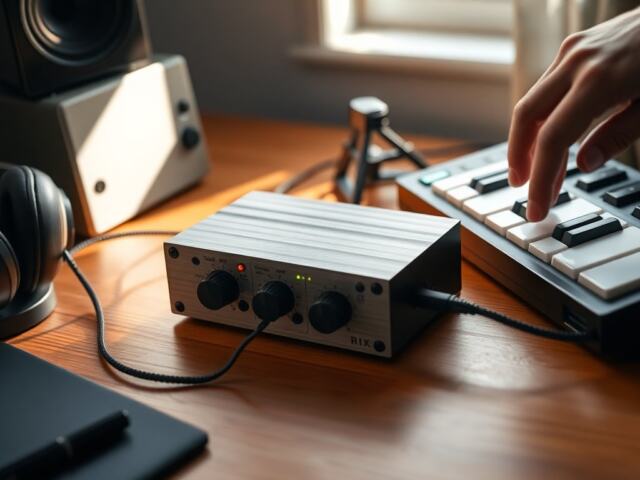
A MIDI keyboard functions as a controller, not a sound source: when a key is pressed it sends a stream of digital instructions (MIDI) to external hardware or software which then generates audio. Typical messages include note on/off, pitch bend, and control changes. Inside a computer-based setup the keyboard talks to a DAW or plugin where sounds are assigned: in a hardware rig it routes to synths or modules via MIDI ports or USB. Power often comes from USB or a separate adapter, and many models include knobs, faders, and pads to send additional performance data.
Connectivity: USB, MIDI DIN, And Bluetooth—Which One Do You Need?
USB is the most common choice for studio users because it carries MIDI data and power with low latency and plugs directly into a computer. MIDI DIN (5‑pin) remains important for older or dedicated hardware synths: it’s reliable for stage setups and multi-device chains. Bluetooth MIDI offers wireless convenience for tablet or mobile workflows but can introduce slightly higher latency and occasional dropouts. Which one to choose depends on the setup: pick USB for computer production, MIDI DIN for vintage or pro hardware routing, and Bluetooth for casual mobile sketching or quick jam sessions.
Types Of MIDI Keyboards And Choosing Key Action
MIDI keyboards range from compact mini controllers to full‑size 88‑key units with weighted actions. Mini and 25–37 key controllers are ideal for travel, sketching, and limited studio space: they often include octave buttons to access the full range. 49–61 key models balance portability with playability, suited for producers who perform parts live. Full‑size 73–88 key controllers typically have semi‑weighted or fully weighted actions, mimicking acoustic pianos for pianists. When choosing, consider repertoire (synth parts vs. piano), tactile preference, synth‑style springy keys versus hammer‑action, and how much stage or studio space is available.
Size And Portability: From Mini Controllers To Full‑Size Studio Keybeds
Portability often trades off with expressiveness. Mini controllers (25 keys) fit in a backpack and are perfect for melodic ideas, but limit two‑handed playing. Mid‑sized (49–61) controllers are the sweet spot for mobile producers who still want reasonable range. Full‑size studio keybeds (73–88) are bulkier yet provide authentic piano feel and wider reach: they suit live keyboardists and pianists who need realistic touch. Consider flight cases, keyboard stands, and whether the controller will stay in one place or travel frequently.
Key Features To Look For And How To Use Them
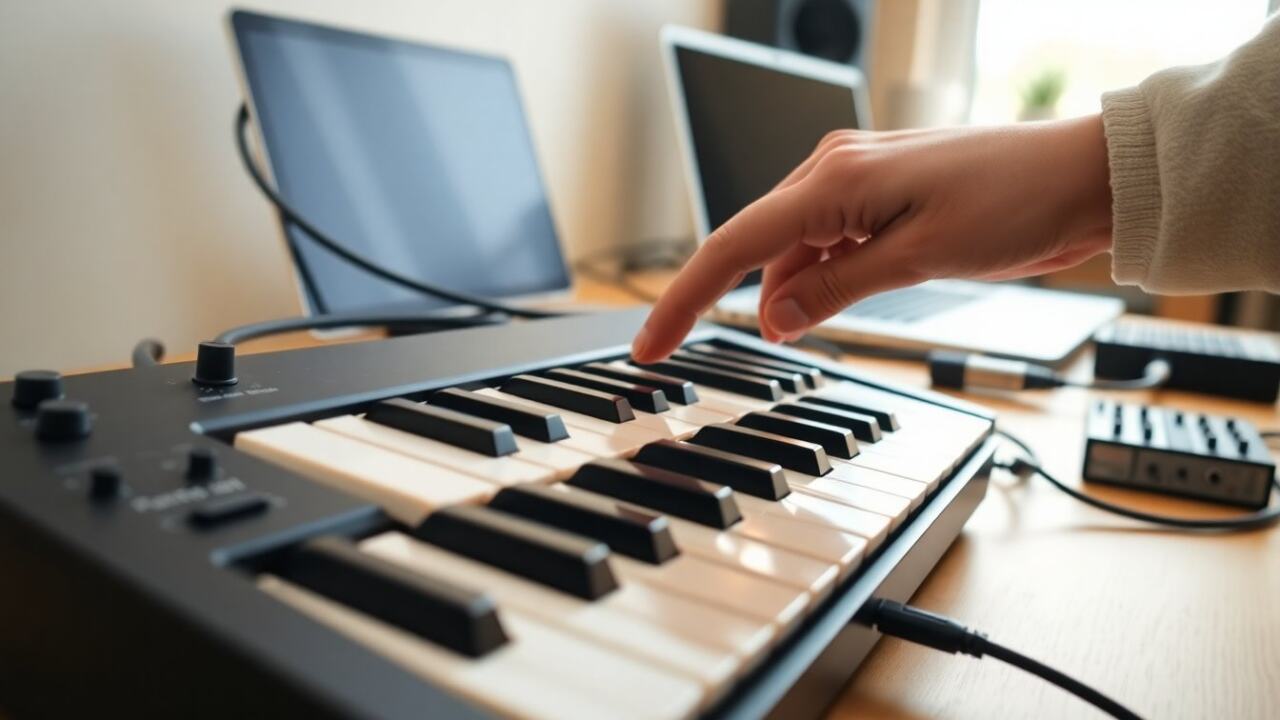
Look for essentials: assignable knobs and faders, pitch/mod wheels, pads, and aftertouch support. Pads are useful for finger drumming or launching clips: encoders and faders let users shape synth parameters without a mouse. Aftertouch and velocity sensitivity add expressive nuance for dynamics and modulation. Also check DAW integration, build quality, and software bundles, some keyboards include virtual instruments that jump‑start a setup. For live use, look for durable encoders and clear transport controls: for production, prioritize mapping flexibility and low latency.
Basic Setup And Workflow: Connecting, Mapping, And Playing Your First Patch
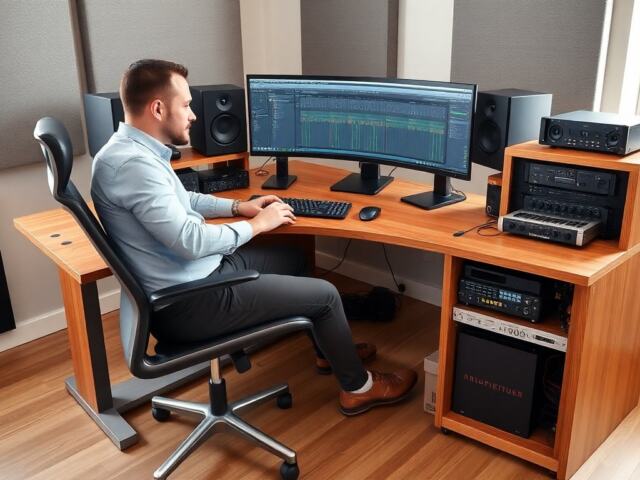
Start by connecting the keyboard via USB or MIDI DIN and powering the synth or computer. Install any vendor drivers if required, then open a DAW or standalone synth and select the keyboard as the MIDI input. Use the DAW’s MIDI mapping or the controller’s editor to assign knobs and pads to plugin parameters, most controllers support automatic mapping for major DAWs. Load a piano or synth patch, set velocity curves to taste, and test pitch bend and mod wheel behavior. Save a template session so common mappings and routings are ready the next time.
FAQ
Q: Can a MIDI keyboard make sound by itself?
A: No, a MIDI keyboard sends performance data: sound comes from a plugin, software synth, or external module.
Q: Is latency a big problem with USB or Bluetooth?
A: USB latency is generally negligible on modern setups: Bluetooth can be slightly higher and may affect tight timing when recording.
Q: Do all MIDI keyboards have weighted keys?
A: No, weighted keys are common on full‑size models aimed at pianists: many compact controllers use synth‑action keys.
Q: Will a keyboard work with tablets?
A: Yes, many keyboards support class‑compliant USB or Bluetooth MIDI for tablets, though drivers and adapters may be needed.
Frequently Asked Questions About MIDI Keyboards
What is a MIDI keyboard and how does it work?
A MIDI keyboard is a controller that sends digital performance data like notes and velocity to software or hardware synths, which then generate sound, rather than producing sound itself.
Can a MIDI keyboard produce sound on its own?
No, a MIDI keyboard only sends performance data; it requires external software or hardware instruments to generate sound.
What are the common connectivity options for MIDI keyboards?
Most MIDI keyboards connect via USB for low latency and power, MIDI DIN ports for older hardware, or Bluetooth for wireless use, each suited to different setups.
What size MIDI keyboard should I choose for portability and playability?
Mini (25–37 keys) are portable but limited; mid-size (49–61 keys) balance mobility and range; full-size (73–88 keys) offer authentic piano feel and wide reach for studio or stage.
Do all MIDI keyboards have weighted keys like pianos?
No, weighted keys are usually on full-size models aimed at pianists, while many compact controllers have lighter synth-style keys.
How do I connect and set up a MIDI keyboard with my computer or synth?
Connect via USB or MIDI DIN, install any drivers, select the keyboard as your MIDI input in your DAW or synth, then map controls and load sounds to start playing.