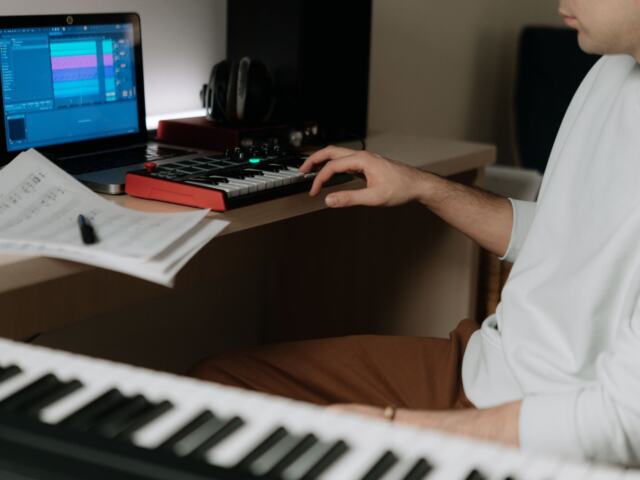
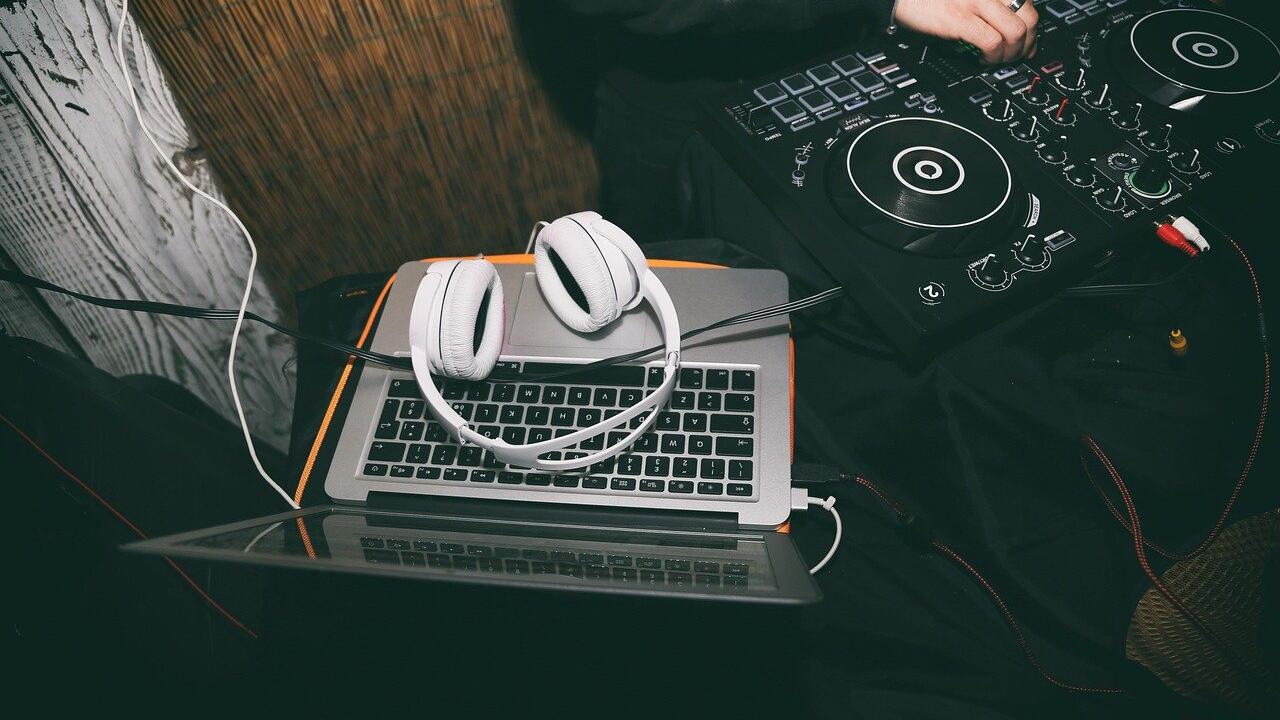
With a laptop, headphones and a blank project, here is how to make EDM music: lay a four-on-the-floor kick, tuck a bass under it, build to a drop, and finish the whole track before polishing.
For the wider setting these tracks end up in, see live music culture. This guide stays on the production side and follows one path from the first kick to the drop.
Misconceptions that slow down a first EDM track
Most beginners stall because they believe a few tidy myths: that EDM needs a rack of gear, that the melody comes first, or that a looping eight bars counts as a track. A DAW (digital audio workstation) is, in the words of EDMProd, a software application used for producing, editing and recording music. It is the one purchase that matters at the start. The rest of the process is a sequence of small decisions: tempo, beat, bass, lead, arrangement.
| Common belief | What holds up | Planning use |
|---|---|---|
| You need a studio full of hardware | All you really need is a DAW and a pair of headphones | Spend time, not money, on the first few tracks |
| Start with the melody | It is very common to begin with the beat before adding chords | Program drums first, then build harmony around them |
| A good loop is a finished track | Early producers are told to get into the habit of finishing music as soon as possible | Take every first project from intro to outro before reworking sounds |
| Every EDM style shares one tempo | Subgenres sit in different tempo ranges | Choose the style first, then set the project tempo |
The minimum-gear and finishing points come from EDMProd, and the beat-first approach is described by Native Instruments.
Choosing a DAW and the minimum gear
Native Instruments calls a digital audio workstation the primary software for making electronic music, so this choice shapes every later step. Cymatics names Ableton Live, FL Studio and Logic Pro as arguably the most popular DAWs. For a beginner, popularity matters mainly because tutorials are easy to find for the common programs.
Do not agonise over the decision. EDMProd notes that Ableton Live and FL Studio both include 30-day free trials, so you can open each one, program a simple kick pattern and keep the one whose layout makes sense to you. If your budget is tight, at around $200 or less, EDMProd suggests considering Reaper or the cheaper versions of FL Studio.
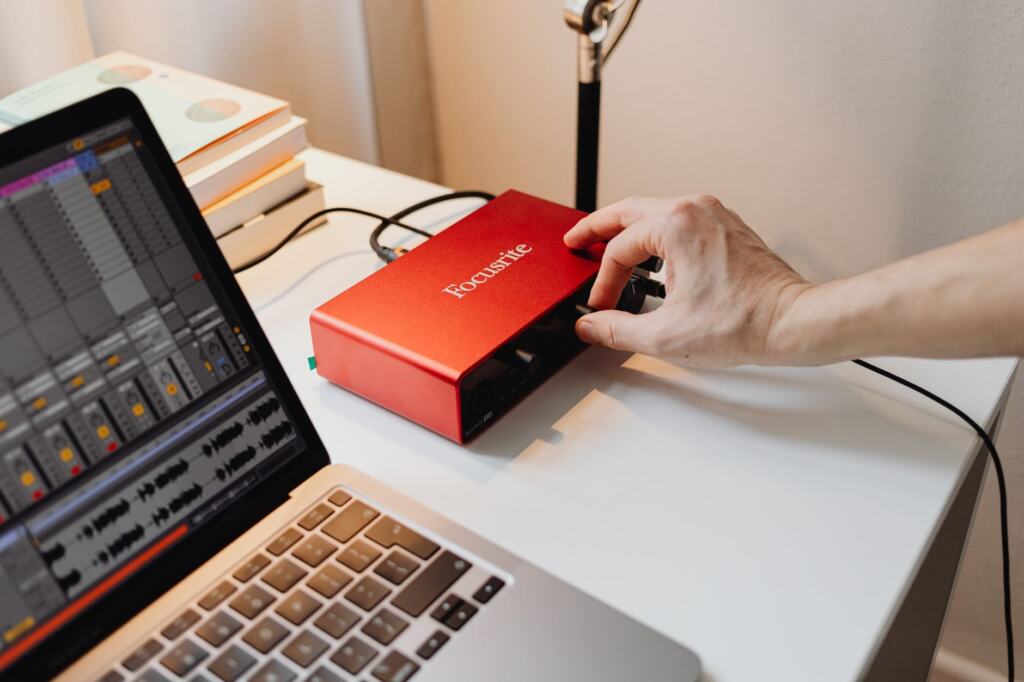
Extra gear can wait. Controllers, interfaces and monitors make sense once you know which part of the workflow annoys you most. Until then, the DAW and headphones cover everything in the steps below.
Setting a tempo by subgenre
Tempo is the first number to set in a new project, because the kick pattern, bass rhythm and drop length are all programmed against it. The ranges below are reference points, not limits, and styles overlap.
| Subgenre | Typical tempo | Planning use |
|---|---|---|
| House | 120–130 BPM | Warm, groove-focused; a sensible first target |
| Trance | 128–145 BPM | Melodic and hypnotic; suits a lead-driven track |
| Techno | 130–150 BPM | Industrial, minimal and relentless; kick-led |
| Dubstep | 138–142 BPM with a half-time feel, closer to 69–71 BPM as experienced | Program the grid at the higher number; write the groove at half-time |
| Drum and bass | Usually around 170 BPM, perceived in half-time | Fast grid, but a slow-feeling backbeat |
The house, trance, techno and dubstep ranges are from Songer, and the drum and bass figure is from Native Instruments.
House is the practical place to begin. The tempo window is the lowest of the five, and its groove-focused character leaves room for a simple kick and bass to carry the track. Choose dubstep or drum and bass only if you already know you want the half-time feel.
Kick and bass first
Program the kick and the beat
Native Instruments lists the key components of a beat as the kick, snare or clap, hi-hats and cymbals, and toms and pitched drums. For a first project, start with the kick alone. In most EDM it hits on every beat, the four-on-the-floor pattern. Techno and trance in particular are built around a loud, pulsing kick, per Native Instruments.
Once the kick is steady, add a clap or snare and hi-hats. EDMProd recommends learning to put down a basic drum beat during early experimentation, and a four-bar loop of kick, clap and hats is enough practice before you move on.
Add the bass and sidechain it
Songer describes the bass as the element that sits under the kick and gives the track physical weight. That relationship is why the two are treated as a pair. Program a simple bass line that follows the rhythm of the kick rather than competing with it.
Then apply sidechain compression. EDM Warriors describes applying it to elements like bass lines or pads so their volume reduces momentarily when the kick drum hits. When you check the mix, pay particular attention to the low end and make sure the kick and bass are well-defined. If you can hear them as separate sounds, the foundation is ready for a lead.
Lead synth and chords
With the foundation in place, add harmony and a melody. Songer calls the synth lead the main melody, and says it is usually what carries the drop. That makes the lead a design priority: choose or build a sound from your DAW’s synthesizer that is clearly the focus of the track, then keep other parts out of its way.
Chords can be simple. Because the beat comes first in most workflows, harmony is written to fit a groove that already works. Let the lead repeat a short phrase, since the drop is where the listener should recognise the hook.
Arranging the drop
A section order to copy
A drop only works in context, so lay out the whole track before filling in details. Songer describes a standard EDM track as moving through intro, build, drop, breakdown, build, drop and outro. A house-leaning version from Cymatics adds verses:
- Intro: establish the kick and groove.
- Verse 1: introduce the main musical idea.
- Build 1: raise tension toward the first drop.
- Drop 1: the full kick, bass and lead together.
- Verse 2: a lighter return with variation.
- Build 2 and Drop 2: repeat the tension and payoff.
- Outro: strip elements away to end the track.
Mark these sections with locators or colour in your DAW’s arrangement view, then copy your loop across the timeline and start removing and adding parts.
Building into the drop
The build is what makes the drop feel like a release. Songer says it layers elements progressively, with synths, risers and filters creating mounting pressure, and that risers create anticipation leading into a drop. In practice, that comes down to a few choices:
- Layer gradually. Add one new element every few bars rather than everything at once, so the energy visibly climbs.
- Use risers and filters. Open a filter or add a riser across the build so the ear expects something.
- Save the full lead for the drop. If the main synth already plays in the build, the drop has less to deliver.
- Treat the build length as a pattern, not a law. Songer frames the drop as the moment everything built in the preceding 32 bars lands at once, which is a useful default for a first track.
Afterwards, a breakdown gives the track a pause before the second build and drop, so the repeat does not feel like a copy.
Finishing the track and what to do next
Finishing matters more than polishing at this stage. Complete the full arrangement from intro to outro, then return to the low end and make sure the kick and bass still read clearly once all the layers play together. Fix problems in that order: kick and bass, lead, then effects and transitions.
Two next steps are worth taking. If you want vocals or a live-performance angle, What Is Karaoke? The Complete Beginner’s Guide To Singing, Tech, And Culture (2026) – Voiceoriginals explains how singing and backing tracks work together. If you want visuals for the finished track, How To Make A Music Video: Step-By-Step Guide To Creating A Professional Video On Any Budget (2026) – Voiceoriginals covers the process.
Frequently asked questions
| Question | Answer |
|---|---|
| Does my operating system limit which DAW I can use? | Yes, for some. Cymatics says Logic Pro X works only on Mac OS and FL Studio only on Windows OS, so check compatibility before you commit to one. |
| How long should my first track be? | EDMProd advises producing a track from start to finish of two or more minutes, so the experience includes an intro, a build, a drop and an ending. See EDMProd. |
| How does a synthesizer make its sound? | Analog synthesizers generate sounds from electrical voltages and circuits, according to Native Instruments. |