How to make a music video guides an artist from idea to launch. The reader learns clear steps, cost options, and essential roles. This guide sets goals, lists tasks, and shows tools. It helps a band, solo artist, or filmmaker plan a shoot. The tone stays practical and direct. The reader will leave with an actionable plan for a real shoot. Below are detailed, practical steps and checklists you can use whether you’re working on a DIY budget or coordinating a professional production.
Key Takeaways
- Planning your music video involves defining the song mood, target audience, goals, and budget to create a clear concept and timeline.
- Assemble a core team including a director, DP, and producer, select performers, and scout suitable locations during preproduction for a smooth shoot.
- On production day, follow a shot list, maintain clear communication, monitor continuity, and back up footage to ensure quality and efficiency.
- In postproduction, sync audio, edit to song tempo, perform color grading, and prepare multiple deliverables tailored for various platforms.
- Plan the release strategically, submit accurate metadata, and track performance metrics to evaluate your music video’s success.
Plan Your Concept, Goals, And Budget
They start planning by defining the song mood and target audience. They state goals: stream growth, press, or sync placement. They set a budget range and allocate funds to crew, locations, and post. They choose a concept that fits the budget and goal. They list deliverables such as video length, aspect ratios, and masters. They schedule a project timeline with milestone dates. They research reference videos and keep a mood board. They write the project brief and share it with collaborators.
Concrete planning steps to expand the concept:
- Write a one-paragraph concept summary that answers: what is the core image or story, why it fits the song, and who it should reach.
- Create a simple shot/sequence list that maps the song’s structure (intro, verse, chorus, bridge, outro) to visuals or beats.
- Build a tiered budget: essential (camera, sound, key crew), recommended (lighting, wardrobe, permits), and optional (special effects, extra locations). This helps prioritize if actual costs change.
- Set KPIs tied to goals: streams, views within 30 days, playlist additions, press placements, or sync opportunities — use these to guide creative and promotional choices.
Document deliverables and timeline:
- List final master files you’ll need (e.g., 4K 24p master, 1080p H.264 for web, vertical 9:16 cuts for social).
- Draft a production schedule with preproduction checkpoints (casting, location contracts), production days, and post milestones (rough cut, color pass, final delivery).
Preproduction: Assemble Your Team, Cast, And Locations
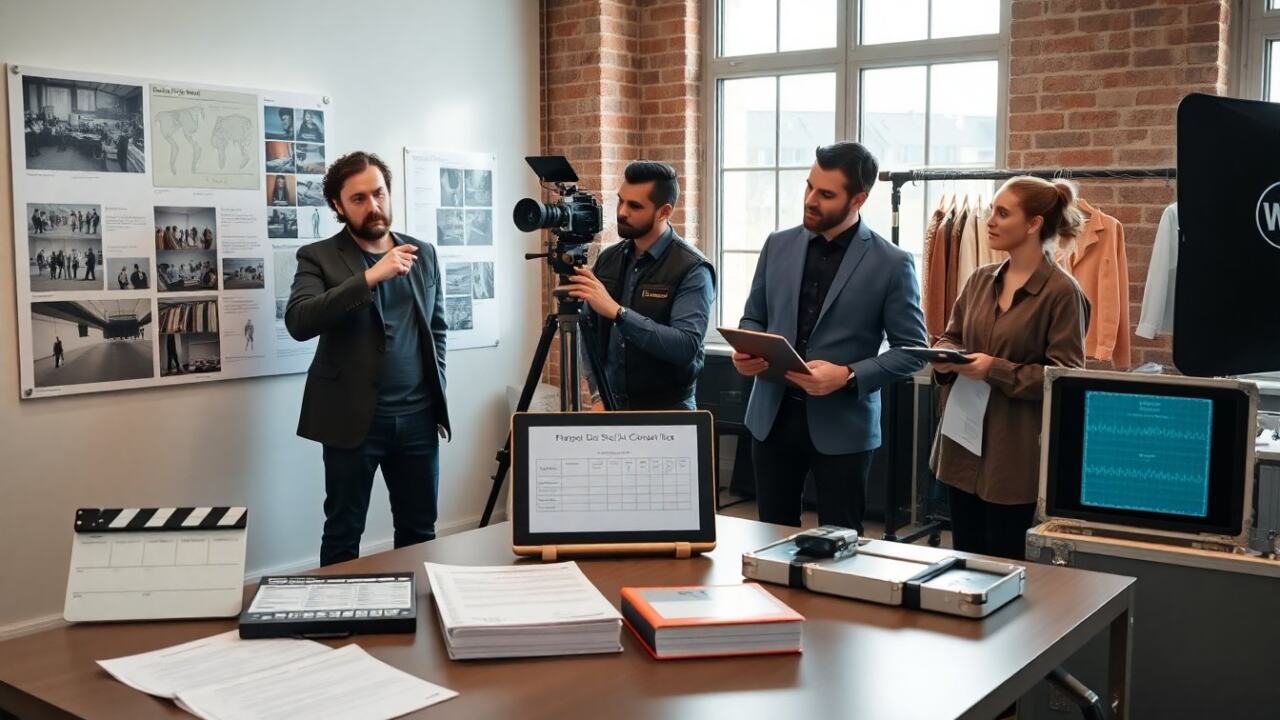
They hire a small core crew: director, DP, producer, and sound recordist. They book additional crew as needed: gaffer, grip, makeup, and PA. They audition or select performers and background talent. They scout locations that match the storyboard and check lighting conditions. They confirm access, parking, and power at each site. They set clear rates and sign simple contracts. They create a call sheet that lists contacts, call times, and addresses. They hold a preproduction meeting to align the team and confirm roles.
Preproduction tasks to reduce surprises:
- Crew checklist: confirm camera package, lenses, support (tripod, gimbal), lighting kit, audio recorder and mics, and power solutions (batteries, generators).
- Casting tips: prepare sides or a short performance brief, schedule brief camera tests to check performance style on camera, and confirm wardrobe and hair/makeup needs in advance.
- Location checklist: verify permission/permits, measure key spaces for framing, note reflective surfaces and ambient sound sources, and plan for contingency (alternate indoor location for bad weather).
- Legal and logistics: draft simple agreements outlining usage rights, delivery schedule, and payment terms for talent and crew. Secure location releases and music rights clearances if needed.
Communication and planning tools:
- Use a shared folder structure for scripts, storyboard frames, call sheets, schedules, and contact lists so everyone has the latest versions.
- Run a tech scout (camera and lighting walkthrough) with the DP and gaffer to identify gear needs and timing for setup and strikes.
- Prepare a shot list and storyboard annotated with required lenses, lighting setups, and estimated time per shot to build a realistic call sheet.
Production: Shooting Day Essentials And Workflow
They arrive early to set up and test gear. They run a safety briefing and review the shot list. They block scenes with performers and mark floor positions. They keep takes focused and avoid unnecessary coverage to save time. They log each take with timecodes and notes. They monitor continuity for hair, props, and lighting. They maintain clear communication between director, DP, and sound. They back up footage at day’s end to two drives. They note any pick-up shots needed for post.
On-set best practices to maximize quality and efficiency:
- Start with a camera and sound check: record slates, capture a reference audio track, and confirm sync workflow (timecode or clap method).
- Maintain a running production log noting good takes, problems, and continuity flags. This saves hours in editing.
- Prioritize coverage: get the essential performance coverage first (wide, medium, close) before experimenting with creative camera moves.
- Plan lighting setups for speed: block all shots that share a lighting approach together to minimize repeated rigging.
Health, safety, and backup:
- Run a short safety briefing covering trip hazards, permitted movement areas, and emergency contacts. Assign a safety officer if there are stunts or complex rigs.
- Implement immediate backups: copy cards to two separate drives at wrap of each camera. Label drives and log checksum or file counts when possible.
- Keep expendables and repair kit on hand: tape, gaffer, sandbags, lens wipes, and spare batteries and media.
Postproduction And Release: Editing, Color, Deliverables, And Distribution
They ingest footage and organize files by scene and camera. They sync audio and select the best takes. They edit to the song tempo and cut on beats when suitable. They perform color grading to match scenes and set mood. They mix and master audio for consistent levels across platforms. They export deliverables for web, social, and broadcast with correct codecs and aspect ratios. They create short edits and vertical cuts for social promotion. They plan a release date and submit metadata to platforms. They track metrics after release to measure goal achievement.
Postproduction workflow details:
- Organize media with a standard folder tree (footage, audio, selects, graphics, exports) and use consistent file naming so editors and colorists can find elements quickly.
- Create a rough cut focused on performance and story, then refine pacing to the song. Use marker notes tied to waveform transients to align edits with beats.
- Color workflow: apply a primary grade for exposure and balance, then a creative grade to establish the visual tone. Deliver a separate LUT or reference still if required for promotional materials.
- Audio workflow: start with dialog/music balance, then add effects and ambience, finish with a final stem mix and loudness pass appropriate for each platform (streaming, broadcast, social).
Deliverables and release strategy:
- Prepare multiple exports: full-length master (highest quality), web-optimized H.264/H.265, and vertical/square cuts for social ads and stories.
- Create short trailers or 15–30 second clips that highlight a hook in the song for pre-release promotion.
- Metadata and distribution: compile accurate titles, credits, descriptions, and timestamps for chapters if needed. Provide closed captions or lyric files if relevant for accessibility and discovery.
- Launch plan: coordinate release timing with promotional pushes (email, social, playlists, press outreach) and consider staggered premieres to build momentum.
Measure and iterate:
- Track metrics tied to your KPIs (views, watch time, engagement rate, playlist adds) and review which formats and thumbnails perform best.
- Collect feedback from collaborators and fans to create a short postmortem: what worked, what cost more time or money than planned, and what to change on the next video.
- Use learnings to refine your next concept, budget, or distribution strategy — continual iteration improves results and efficiency over time.