| Decision | What the guidance says | Planning use |
|---|---|---|
| Tempo | Lofi tracks typically fall between 65 and 95 BPM; a relaxed beginner drum loop starts around 70-90 BPM. | Start inside the narrower range and treat the outer edges as limits rather than targets. |
| Time signature | Lofi is in 4/4. | Leave the project grid in 4/4 and spend your effort on feel rather than metre changes. |
| Rhythm | Mellow, slow and swung; hi-hats with subtle swing. | Apply swing to the hats and keep the whole kit quiet. |
| Chords | Jazz chords such as major 7th or minor 9th; simpler chords and melodies, looped. | Keep the loop simple and let chord colour carry the mood. |
| Texture | Add a sample of noise, tape hiss or vinyl crackle. | Layer one noise source under the mix before reaching for more. |
| High end | Roll off some high frequencies to create warmth; add warmth and saturation. | Use a low-pass filter or EQ cut on bright parts. |
| Software | Ableton Live, FL Studio or Logic Pro: choose whichever feels intuitive. | Pick by comfort and platform, not by reputation. |
The figures and guidance above come from Lunacy’s lofi production guide and Melodics’ lofi beat tutorial.
Learning how to make lofi music starts with a slow, swung drum loop, jazzy chords and a layer of tape or vinyl noise, all built in a DAW you are comfortable with.
For the wider scene that independent producers and artists work in, see live music culture. This guide stays with the production steps and the decisions that change how the finished track sounds.
Tempo and key: the first decision
Tempo is the setting that shapes everything else, because the drum loop, chord rhythm and texture all sit on top of it. Lofi tracks typically fall between 65 and 95 BPM, according to Lunacy. A drum-pad tutorial from Melodics suggests a relaxed tempo around 70-90 BPM for a beginner loop. A first-beat walkthrough gives the same 70–90 BPM and pairs it with a chill minor key.
So the answer to “what tempo is lofi?” is a band, not a single number. The practical reading is to start your first project inside 70–90 BPM, where the sources overlap, and keep 65 and 95 BPM as the outer edges of the genre. Those edges are limits on what still sounds like lofi, not targets to aim for.
- Tempo: choose a value inside 70–90 BPM and leave it alone until the loop works. Changing tempo mid-build shifts how swing and any stretched samples feel.
- Key: a minor key is the suggested starting point for a first beat. It is a starting point rather than a rule, and major 7th chords also appear in lofi guidance, covered below.
Choosing a DAW for lofi
No single DAW is the best for lofi. Melodics lists Ableton Live, FL Studio and Logic Pro and says to choose whichever feels intuitive, and the wider advice is to stay with one DAW and learn it deeply. A DAW you understand will give you a better beat than a more famous one you fight with, so platform and budget should decide the shortlist.
- GarageBand: free on every Mac and iPhone, and described by the first-beat walkthrough as all you need for a first beat. It suits anyone already in the Apple ecosystem who wants zero cost.
- BandLab: free and browser-based, so there is no download and it works on Windows, Mac or a phone. It is the obvious free route for Windows users, since GarageBand and Logic Pro are Apple software.
- FL Studio: arguably the most beginner-friendly beat-making environment, which makes it a reasonable paid choice if pattern-style drum programming appeals.
- Ableton Live: its Warp engine is excellent for time-stretching samples, so it suits producers who plan to build around chopped or stretched recordings.
- Logic Pro: Mac only and a one-time purchase, and described as powerful and user-friendly. It makes sense as an upgrade from GarageBand rather than a first stop.
The upgrade rule from the same walkthrough is simple: pick something free, learn it, and only upgrade once you outgrow it. If you are unsure, start free; nothing in a lofi beat demands a paid tool on day one.
Drum feel and swing
Lofi rhythms are typically mellow, slow and swung, and that feel matters more than the choice of drum sounds. A lazy drum loop that is swung and kept quiet leaves room for chords and texture, while a loud, rigid pattern pulls the track toward a different genre. The consequence for your workflow is that you should judge the drums by how relaxed they feel, not by how punchy they are.
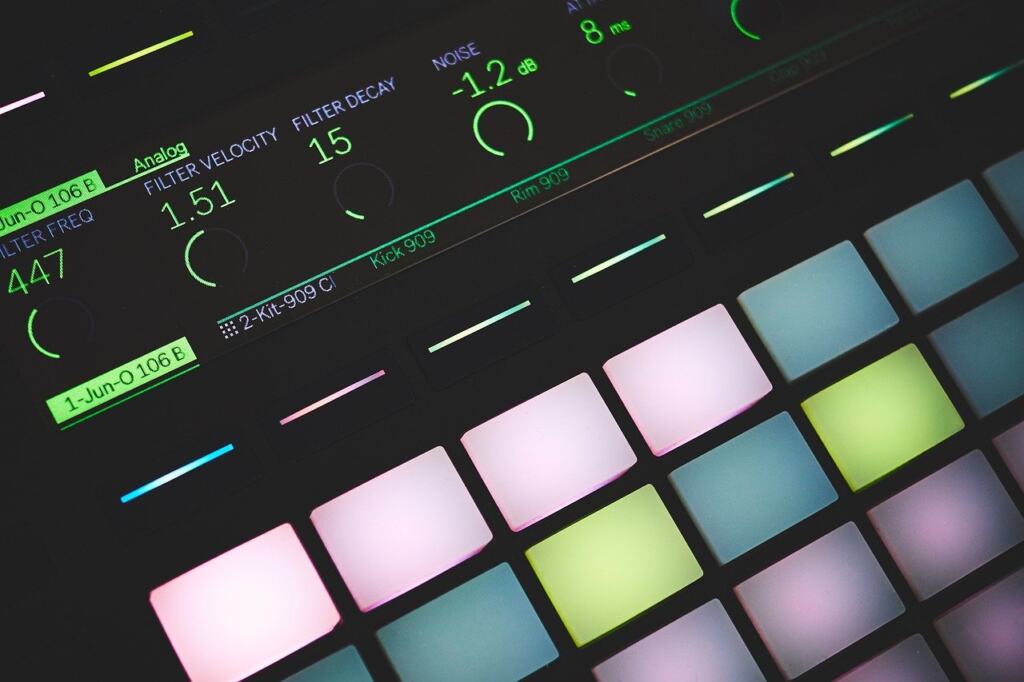
Program a kick and snare pattern first, then add hi-hats with subtle swing, as the Melodics tutorial describes. The word “subtle” is the condition to respect: swing is there to loosen the grid, and pushing it too far makes the groove sloppy rather than lazy. Lower the drum level once the pattern sits, because the walkthrough’s advice is to keep the loop quiet.
Chords and melody
Lofi usually features instrumentals that revolve around simpler chords and melodies, so the harmony does its work through colour rather than complexity. A short progression repeated over the drum loop is enough. The practical effect is that you can finish a convincing loop early, then spend time on feel and texture instead of writing more parts.
Chord colour comes from extensions. The first-beat walkthrough suggests jazzy chords, 7ths and 9ths, on a soft keys sound, and another tutorial calls seventh and ninth chords your best friends. For a dreamy feel, Melodics points to major 7th or minor 9th chords. Choose a soft electric-piano or keys patch rather than a bright piano, since a bright tone fights the high-frequency roll-off you will apply later.
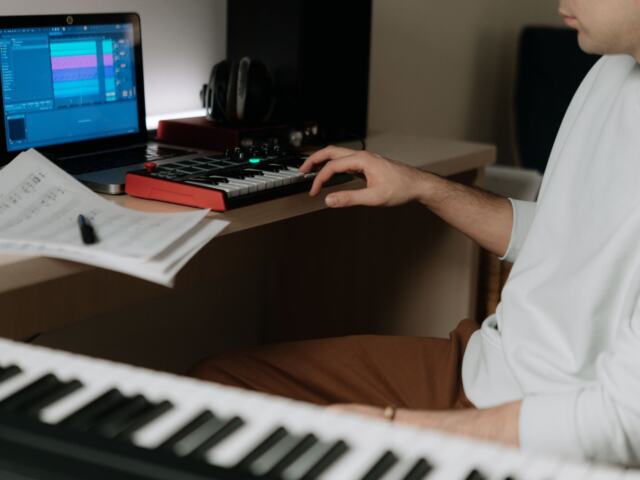
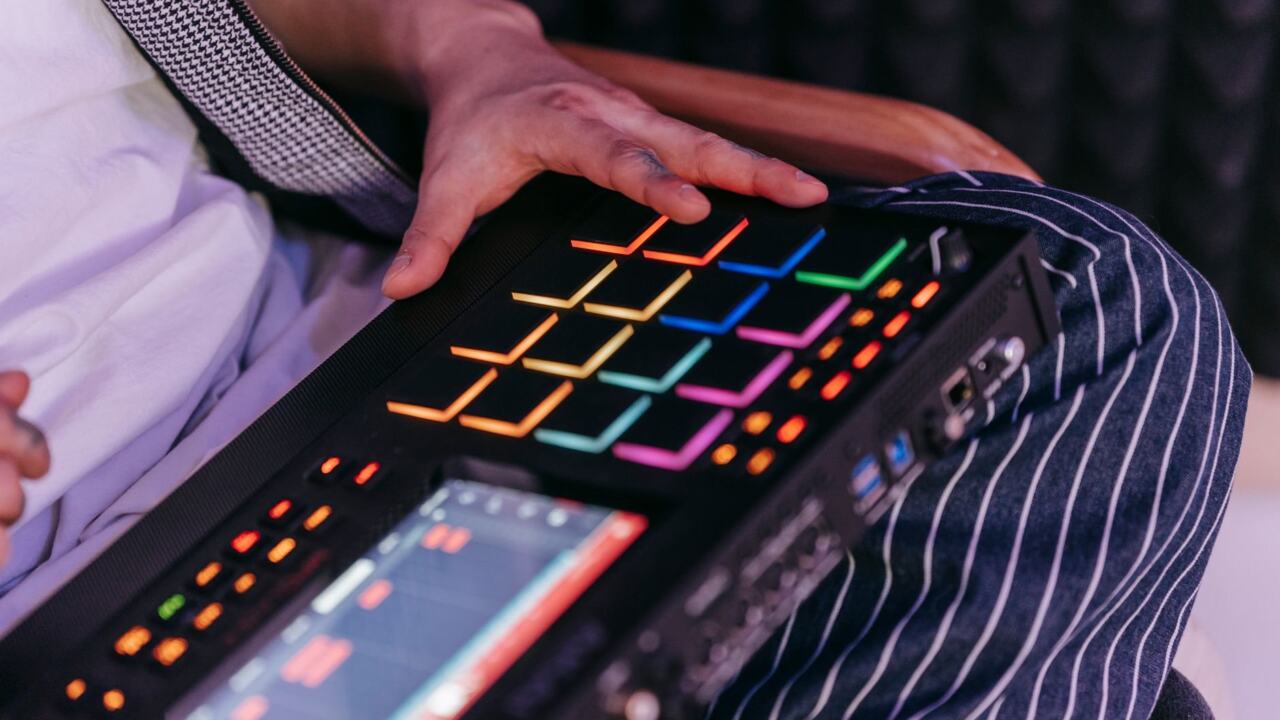
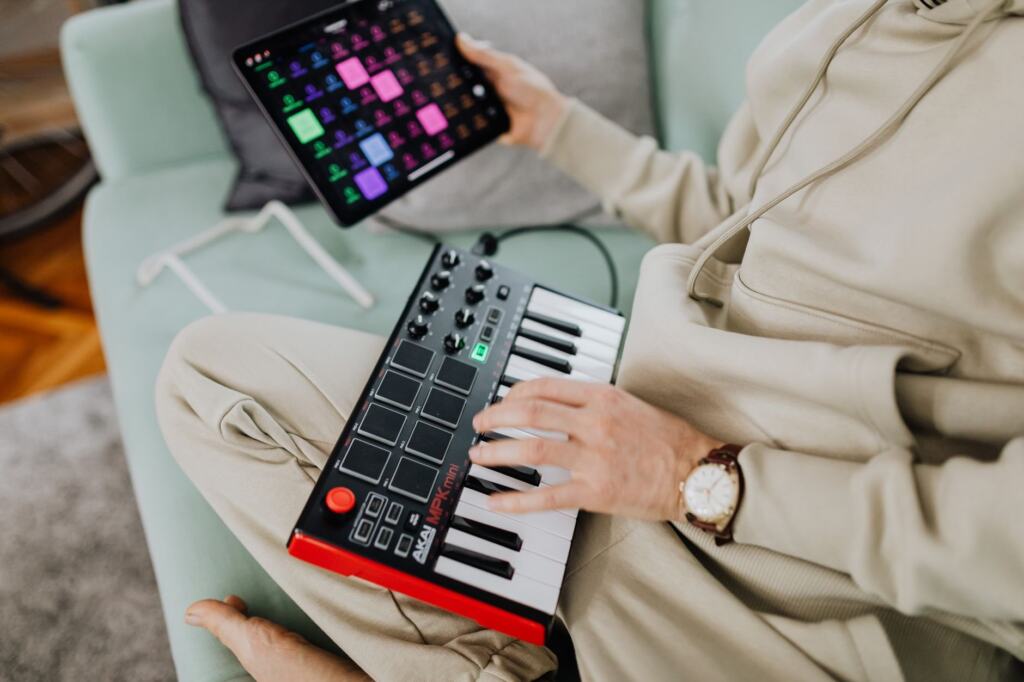
A Soundverse tutorial backs the same chord choice. A MIDI keyboard or pad controller makes entering these voicings quicker than clicking notes into a piano roll, though a mouse works if that is all you have.
Warm texture: crackle, tape and saturation
Making lofi music requires adding warmth and saturation to your production, as Lunacy puts it. This is the stage that turns a clean loop into something recognisably lofi, and it works best after the drums and chords already sound right. Texture cannot rescue a weak loop, but it can unify a good one.
The sound has a physical origin. As tape heads wear down, they produce a tape hiss that limits high frequencies. That is why the standard imitation is to dull the top end rather than just add noise. Melodics advises rolling off some high frequencies to create warmth, and the walkthrough pairs vinyl crackle and tape wobble with a low-pass filter.
- Vinyl crackle: the dusty layer most listeners associate with the genre. Keep it in the background so it reads as atmosphere rather than a distracting noise.
- Tape noise and wobble: Soundverse lists tape noise, vinyl crackle and reverb together as the genre’s texture set, and tape wobble adds unsteady movement to sustained notes.
- Low-pass filter or high-frequency roll-off: mimics the worn-tape limit on the top end and softens bright keys, hats and samples.
- Saturation: slight distortion adds character. The word “slight” matters, because heavy distortion hides the chords you worked on.
- Reverb: gives the dull, close sound some space so the mix does not feel boxed in.
Add these one at a time and listen after each. Stopping at the point where the loop feels warm, rather than layering every effect, keeps the track relaxed instead of murky.
From loop to finished track
The order that emerges from the tutorials is consistent. Set a slow tempo and minor key, add a quiet swung drum loop, play seventh and ninth chords on a soft keys sound, then add texture. Following that order answers “how do I make lofi beats?” without needing advanced gear, and it keeps decisions that depend on each other in the right sequence.
If lofi is one step in a larger plan to learn production, How to Learn Music Production: A Practical 90‑Day Roadmap for Beginners (2026) – Voiceoriginals puts the skills in order. Instrumentals also get used as backing for singers, and What Is Karaoke? The Complete Beginner’s Guide To Singing, Tech, And Culture (2026) – Voiceoriginals covers that side of the culture.
Frequently asked questions
Why do lofi tempos sit so low?
Lunacy notes that lofi tracks typically fall between 65 and 95 BPM, the range of the average heart rate, which fits the calm, relaxed character of the music.
Do I need a real record to get vinyl crackle?
No. Adding a sample of noise, tape hiss or vinyl crackle to your track gives the effect, so a recorded or downloaded sample works in your DAW.
What should I sample for a lofi beat?
Vintage jazz or old-school soul records are described by Melodics as goldmines for samples. If you stretch a sample to fit your tempo, a DAW with a strong time-stretching engine such as Ableton’s Warp helps.
Does lofi have to be in a minor key?
Not strictly. A chill minor key is the suggested starting point for a first beat, while major 7th chords are also recommended for a dreamy feel.