The best laptop for music production must balance CPU power, RAM, storage, and latency. This guide lists top options and a clear checklist. It helps producers pick a laptop that runs a DAW, manages plugins, and records audio without dropouts. The guide uses real criteria and short explanations to help readers choose the right laptop for music production quickly. Below you’ll find a practical checklist, decision guidance for different budgets and use cases, and workflow-focused advice so you can identify the best laptop for music production that matches how you work.
Key Takeaways
- The best laptop for music production requires a powerful CPU, at least 16 GB RAM, SSD storage, and low-latency audio interfaces for smooth DAW and plugin performance.
- Choosing a laptop depends on your workflow, so assess your DAW, plugin needs, audio interface I/O, and ensure OS compatibility before buying.
- For top performance and reliability during heavy sessions, prioritize laptops with strong processors, 32 GB RAM, fast NVMe storage, and multiple Thunderbolt ports.
- Budget laptops with recent multicore CPUs and 16 GB RAM can effectively handle home studio tasks like recording vocals and light mixing when optimized.
- Portable laptops under three pounds with long battery life and efficient processors are ideal for mobile recording and touring musicians.
- Mapping your workflow and testing trial versions of your DAW and plugins helps you select the best laptop for music production tailored to your specific needs.
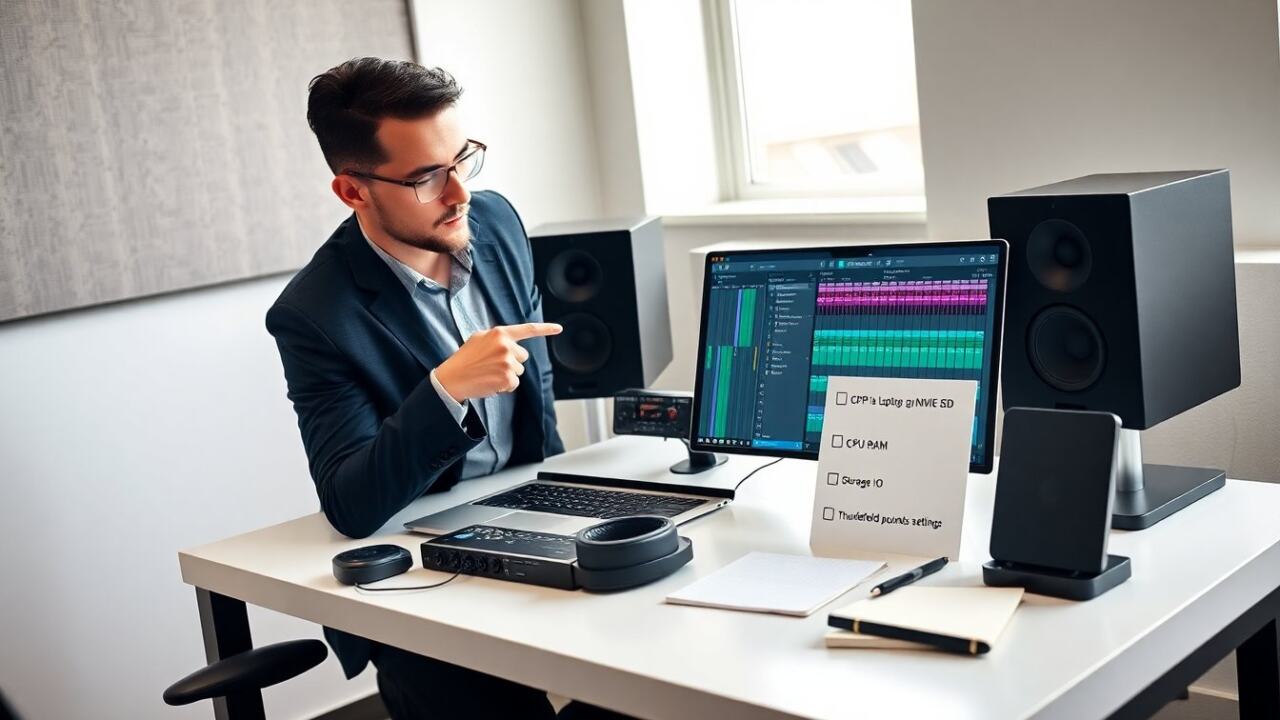
Essential Hardware And Software Checklist For Producers
Essential Hardware And Software Checklist For Producers
The producer checks CPU speed first. The CPU runs the DAW and plugins. Choose at least a quad-core processor; for larger sessions and many instrument plugins, favor higher core counts and higher single-core clock speed. Consider how your DAW scales: some workloads benefit from many cores (rendering, parallel bounces) while synths and single-threaded plugins still rely on single-core performance.
The producer checks RAM next. The producer uses 16 GB RAM for large sessions and 32 GB RAM for heavy sampling. More RAM reduces reliance on streaming samples from disk and allows more simultaneous instruments and sample libraries. If you work with orchestral libraries or many simultaneous instances, prioritize RAM or pick a model that allows future upgrades.
The producer checks storage next. SSDs load samples faster than HDDs. NVMe SSDs offer the quickest load times and lower session load latency; use them for the OS, DAW, and active projects. The producer adds a second drive for sample libraries when possible. For very large libraries, consider a fast external NVMe enclosure over Thunderbolt for portability or a dedicated internal secondary SSD if the laptop supports it.
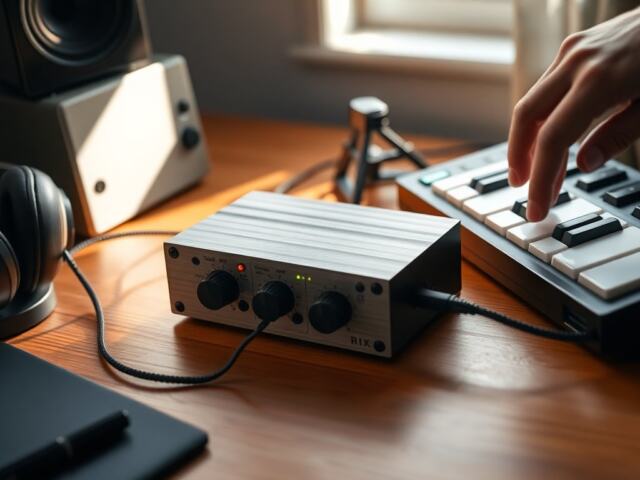
The producer checks audio interface I/O. Low-latency interfaces reduce buffer demands. Ensure your laptop has the right physical connections (USB-C, Thunderbolt, or legacy USB-A) and that compatible drivers exist for your OS. The producer checks ports. USB-C and Thunderbolt allow fast external drives and audio interfaces. If you rely on multiple devices (MIDI controllers, interfaces, mic preamps), plan for enough high-quality ports, a powered hub, or a dock with audio-friendly routing.
The producer checks OS compatibility. The producer verifies that the DAW and plugin vendors support the laptop OS. Some plugins or control apps may be Windows-only or macOS-only; confirm driver and plugin compatibility before purchase. The producer checks battery life for mobile work. A long battery is useful for on-location sketching, but for serious sessions, have a plan for mains power to avoid throttling. The producer checks screen size and resolution for mixer work. Higher resolution screens let you fit more mixer channels or plugin GUIs, while larger panels reduce the need for external monitors. The producer tests driver stability where possible. This checklist helps pick the best laptop for music production for each workflow.
Best Overall Laptop For Music Production (Performance And Reliability)
Best Overall Laptop For Music Production (Performance And Reliability)
A studio chooses a laptop with strong processors, 32 GB RAM, and fast NVMe storage. This laptop meets those needs and runs large sessions reliably. It offers many Thunderbolt ports for external audio interfaces and low-latency devices. It also includes a clean thermal design so the CPU maintains sustained performance under heavy plugin loads. Good thermal management prevents CPU throttling during long sessions, which otherwise causes uneven performance and audio glitches.
Producers report low dropout rates with this model in macOS and Windows. The screen gives enough space for DAW layouts and plugin GUIs. Buyers who want a workhorse pick this laptop as the best laptop for music production for long sessions and heavy plugin use. The laptop also offers good driver support from major audio brands. For studio use, look for models with upgradeable RAM or additional bays for a secondary SSD so you can expand storage or memory as projects grow. Also consider built-in security and manageability if the laptop will be used in a professional environment with multiple users.
Practical considerations: prefer models with at least two high-speed I/O ports so you can connect an audio interface and a fast external drive simultaneously without relying on slow hubs. Confirm that the GPU and display support the resolutions you need for detailed GUI work, and test sample-heavy projects on the exact configuration when possible to validate performance before committing.
Best Budget Laptop For Home Studios
Best Budget Laptop For Home Studios
A home studio needs value rather than peak power. This budget laptop gives a recent multicore CPU, 16 GB RAM, and 512 GB SSD at a lower cost. It handles common DAWs and moderate plugin loads. The laptop runs small to mid-size sessions and mobile recording tasks. It offers enough ports for one audio interface and external drive. With some workflow discipline—using track freezing, bouncing, and efficient sample management—this configuration can produce professional results for most singer-producer and solo electronic music projects.
Producers with limited budgets use this model to record vocals, program drums, and mix light projects. The laptop performs well if the user optimizes buffer settings and freezes tracks when needed. For home use, this model often represents the best laptop for music production when cost matters and portability helps. Tips to squeeze more performance: run the DAW and audio interface on the internal SSD, move large sample libraries to an external drive when not in active use, disable unnecessary background apps, and choose energy settings that favor performance while plugged in. Also plan for reliable backups—an inexpensive NAS or cloud backup keeps sessions safe without breaking the budget.
Best Portable Laptop For Mobile Recording And Touring
Best Portable Laptop For Mobile Recording And Touring
A touring musician needs low weight, long battery life, and solid I/O. This portable laptop weighs under three pounds and runs for many hours on a single charge. The laptop uses efficient processors and 16 GB RAM to balance power and battery life. It offers at least two Thunderbolt or USB-C ports for audio interfaces and mobile drives. Durability is important: look for a chassis that resists wear, a keyboard that tolerates heavy use, and a display that remains usable in varied lighting conditions.
Field engineers choose this laptop for on-location tracking and quick edits between shows. The laptop boots fast and recovers quickly from sleep, which saves setup time. Musicians who travel pick this model as the best laptop for music production for its small size, dependable performance, and simple connectivity. Practical accessories for touring: a compact bus-powered audio interface, a tough carry case, a small-powered USB hub if you need more ports, and a reliable external NVMe drive for session backups. Also test for fan noise and thermal behaviour in typical road conditions—quiet operation is essential for location overdubs.
How To Choose The Right Laptop For Your Workflow (DAW, Plugins, I/O)
How To Choose The Right Laptop For Your Workflow (DAW, Plugins, I/O)
The producer maps the workflow first. The producer lists the DAW, the main plugins, and the audio interface. The producer checks minimum and recommended CPU and RAM for that DAW and plugins. The producer tests a trial version when possible. The producer plans storage. The producer sizes the SSD for session files and samples and adds an external drive for large libraries. Think in terms of project templates: set up a realistic session that mirrors your largest typical project and run it on a candidate laptop to evaluate real-world behavior—CPU headroom, memory use, and disk I/O patterns are revealed in that test.
The producer assesses I/O needs. The producer counts inputs for live tracking and outputs for monitoring. The producer verifies driver availability for the laptop OS. The producer considers heat and fan noise for quiet recording. The producer balances budget against future needs. Following these steps helps the producer find the best laptop for music production for their specific workflow.
Additional selection tips: prioritize what you can’t easily compensate for with peripherals. For example, insufficient RAM or a slow CPU is harder to workaround than a small display (which can be solved with an external monitor). If you plan to collaborate or move projects between machines, standardize on common sample and plugin locations to avoid broken sessions. Finally, include a short checklist before purchase: confirm DAW/plugin vendor support, inspect port configuration, verify upgrade paths (RAM/SSD), and run a heavy-session test whenever possible. That approach will steer you to the best laptop for music production for your needs—whether that means a powerful studio workhorse, a budget-conscious home setup, or a lightweight touring companion.