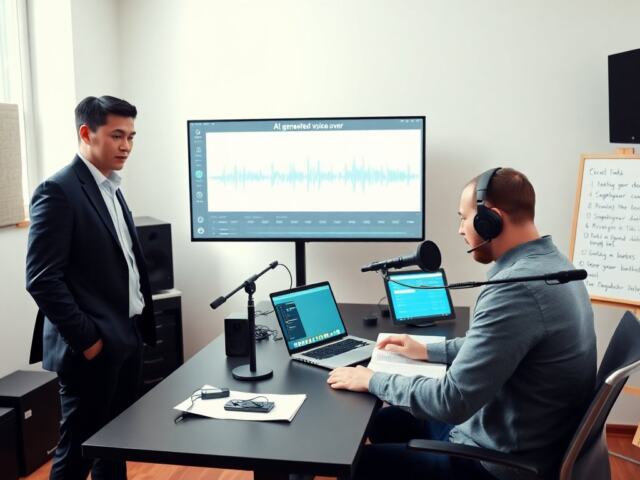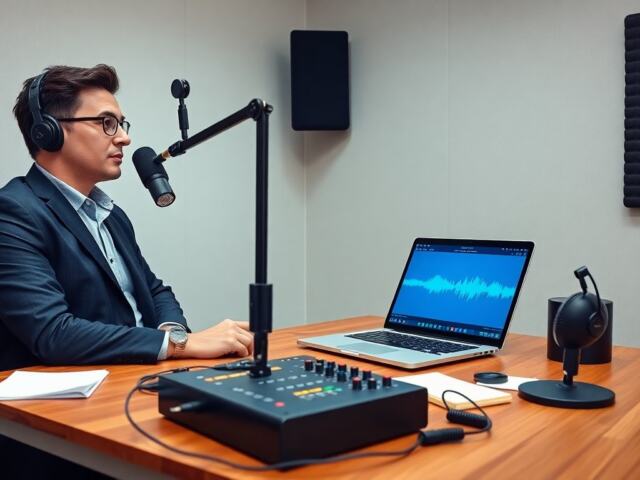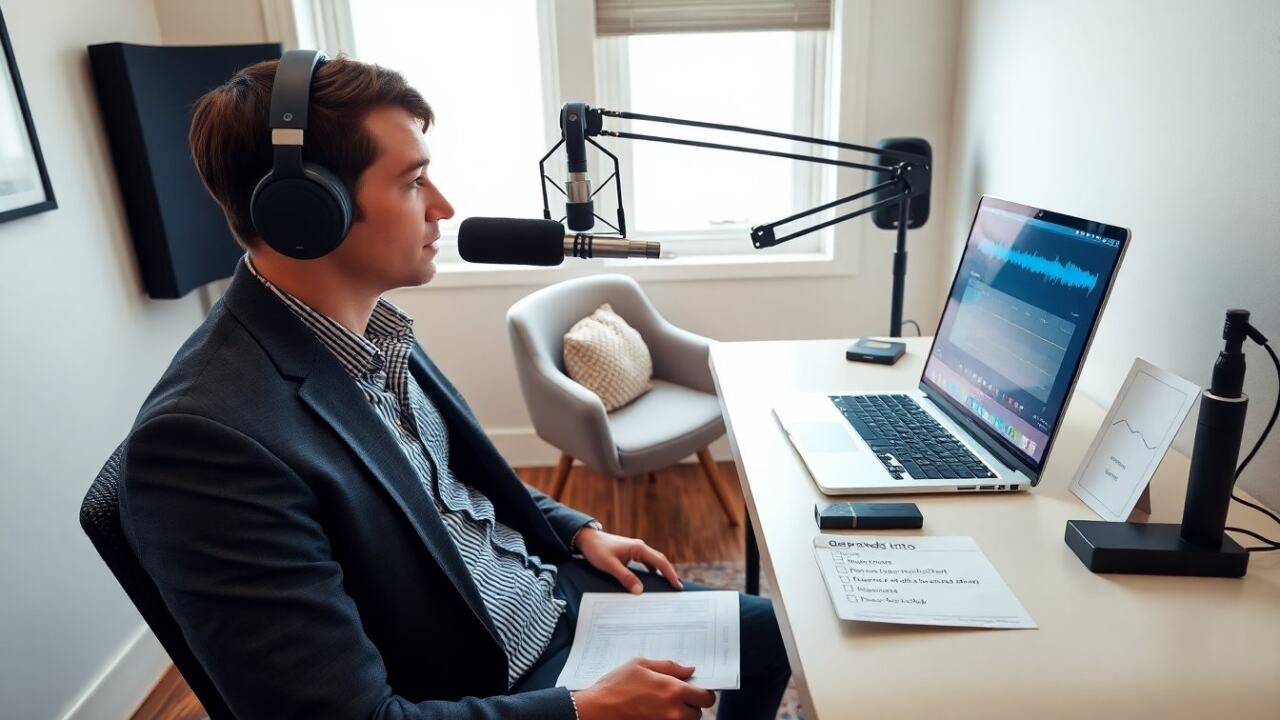
How to record a podcast starts with clear planning and simple gear. The guide shows steps a creator uses to plan episodes, choose gear, and record. It shows practical editing and publishing actions. The reader learns a repeatable process. The instructions stay direct. They help a podcaster get clean audio and publish faster.
Key Takeaways
- Planning your podcast with a clear format and episode structure ensures consistent, engaging content for your target audience.
- Choosing the right recording gear, like a USB dynamic mic and pop filter, helps capture clean audio on a budget.
- Testing recording levels and backing up local audio files prevent technical issues during podcast sessions.
- Editing with noise reduction, normalization, and EQ enhances audio quality and listener experience.
- Publishing on a reliable host with proper metadata and promotion increases your podcast’s reach and discoverability.
- Consistently reviewing listener metrics allows you to refine your podcast format and grow your audience over time.
Plan Your Podcast: Format, Episode Structure, And Prep
The host defines the podcast goal first. They state the audience and the main topic. They choose a format: solo, interview, co-host, or panel. They pick episode length and a consistent release schedule. They create an episode outline with an intro, segments, and an outro.
They write a short script for the intro. The script names the show, the episode, and the call to action. They prepare 3 to 5 key points for each segment. The host notes specific questions for guests. They time each segment to match the episode length.
They set a production checklist. The checklist lists guest invites, recording links, backup plans, and release dates. They test guest audio before the session. They confirm music and any required rights. They collect episode notes and show links for the description.
They plan for consistency. A consistent format helps listeners know what to expect. If the host wants growth, they plan topic clusters and series. They track which episodes perform well and repeat the strong formats. They use simple metrics like downloads, listens, and engagement to guide future planning.
They rehearse. The host runs a short rehearsal for timing and flow. They check voice level and pacing. They use that rehearsal to tighten questions and reduce filler language. This prep lets the actual recording run smoothly and shortens editing time.
Practical tip: they schedule recording blocks and treat them like meetings. This habit prevents last-minute rushes and keeps the podcast regular.
Choose The Right Gear And Recording Setup
They pick a microphone that suits the budget. For starters, a USB dynamic mic gives reliable sound and simple setup. For better control, an XLR dynamic mic plus an audio interface gives higher quality. They choose a cardioid pattern to reduce room noise.
They use a pop filter and a boom arm or mic stand. These accessories keep the mic stable and reduce plosives. They wear closed-back headphones to monitor sound without bleed. They set input gain low enough to avoid clipping and high enough to capture detail.
They select recording software. A simple choice is a DAW like Audacity or GarageBand. For remote interviews, they use clean-recording tools such as Riverside, Zencastr, or SquadCast. These services record local audio tracks for each participant and upload them.
They treat room acoustics simply. They move soft items, add a rug, and place a blanket behind the mic if needed. They avoid large bare walls that cause echo. They record near the center of the room and turn off noisy devices.
They set a signal chain. Mic to interface to DAW. They check levels and record a test clip. They listen back and adjust mic position and gain. They save a backup of the test file.
They plan for backup recording. The host records a separate local file when possible. If the internet fails, a local backup preserves the episode. They also note file naming rules and storage habits. They keep files organized by date, episode number, and guest name.
Practical tip: they invest in a shock mount and basic acoustic panels when they can. These items improve sound more than expensive microphones do.
Record, Edit, And Publish: Practical Workflow And Tips
They start the session with a short sound check. They confirm mic position, headphone mix, and recording levels. They record a 15-second slate that names the show and the episode. They use that slate to align tracks in editing.
They follow a simple recording protocol. They keep the first take loose to warm up. They mark good takes and note timecodes for edits. They pause between segments to reduce editing work. If a mistake happens, they stop and repeat the sentence.
They save separate tracks for each speaker. Separate tracks make editing and leveling easier. They remove long silences and obvious stumbles. They apply gentle noise reduction and a high-pass filter to remove low rumble.
They normalize audio and apply compression with light settings. They EQ to reduce muddiness around 200–500 Hz and to add presence around 3–6 kHz. They aim for consistent loudness across episodes. They target -16 LUFS for stereo podcasts and -19 LUFS for mono where platforms expect it.
They add intro music, stings, and an outro. They place music at lower volume under speech and fade music in and out. They include ID tags and episode metadata. They write a clear episode title and a short description with key links.
They export files in MP3 128–192 kbps or AAC if the host prefers smaller files. They save a lossless archive copy as WAV at 48 kHz, 24-bit. They upload the MP3 to a podcast host. The host uses that service to distribute the feed to Apple Podcasts, Spotify, and other directories.
They publish with a schedule. They write show notes and include timestamps for segments. They add a transcript if possible to boost search visibility. They promote the episode on social platforms and in newsletters.
Practical tip: they review metrics weekly and tweak future episodes based on listener behavior. They iterate on format, guest choices, and promotion to improve reach and quality.
Note on process: repeating this workflow helps creators learn how to record a podcast faster and with better sound each time.